
Accessibility checks
Every time someone publishes, Civic Pier checks for the accessibility mistakes staff make most often and stops the page until they are fixed. It is included for every city, not sold as an add-on.
How it works
Three steps, no web team needed
Write as usual
Staff add headings, links and photos the way they always have.
Press Publish
The checks run on the spot: heading order, link wording, photo descriptions and links to documents that need fixing.
Fix and go live
A plain message says what is wrong and where. Once it is fixed, the page publishes.
For residents
- Pages that work with screen readers, keyboards and zoom
- Headings and links that make sense when read aloud
- Photos with real descriptions, not file names
For city staff
- A plain message that says what is wrong and where, before the page can publish
- No separate scanning tool or monthly report to chase
- Documents marked "Needs fixing" can’t be linked from a live page
See it in the demo city
What residents see, and what staff use
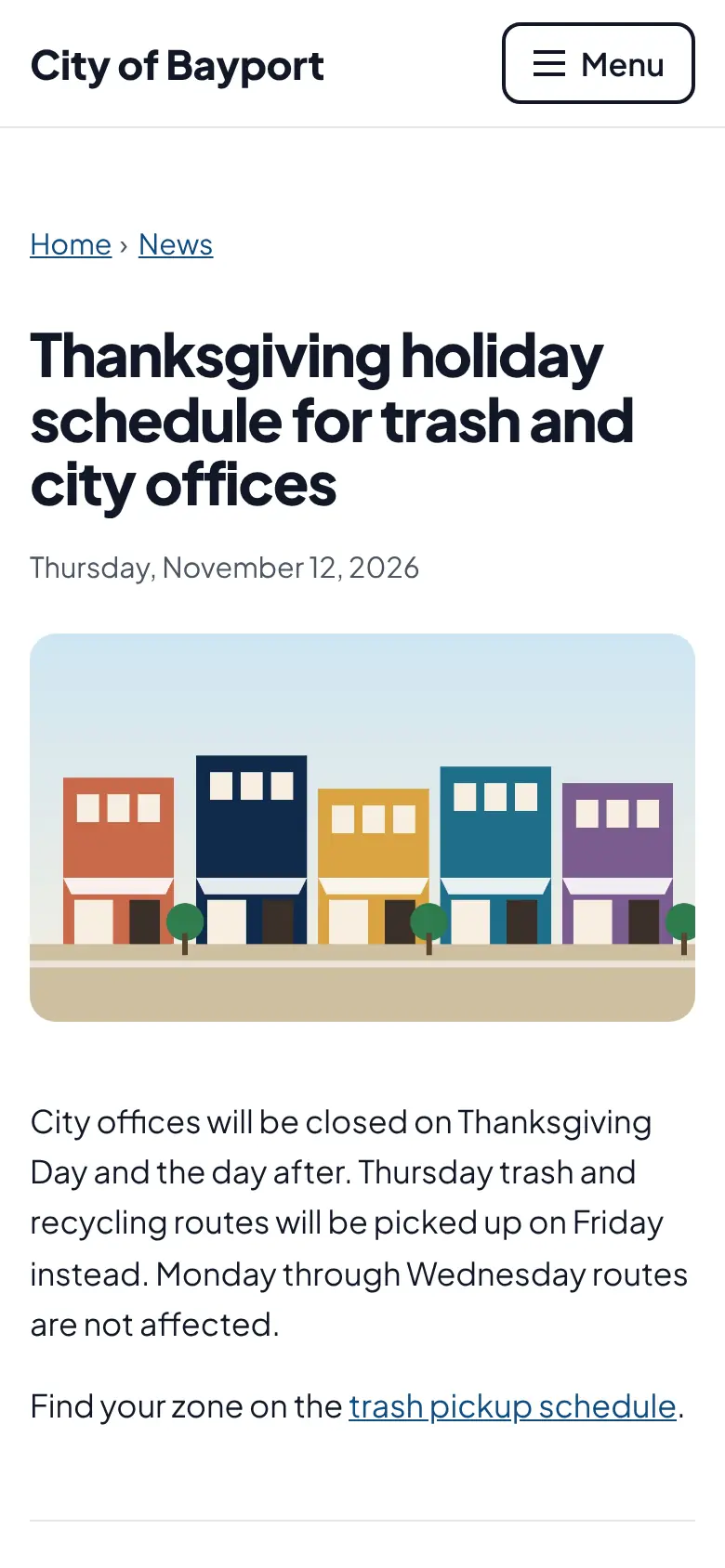
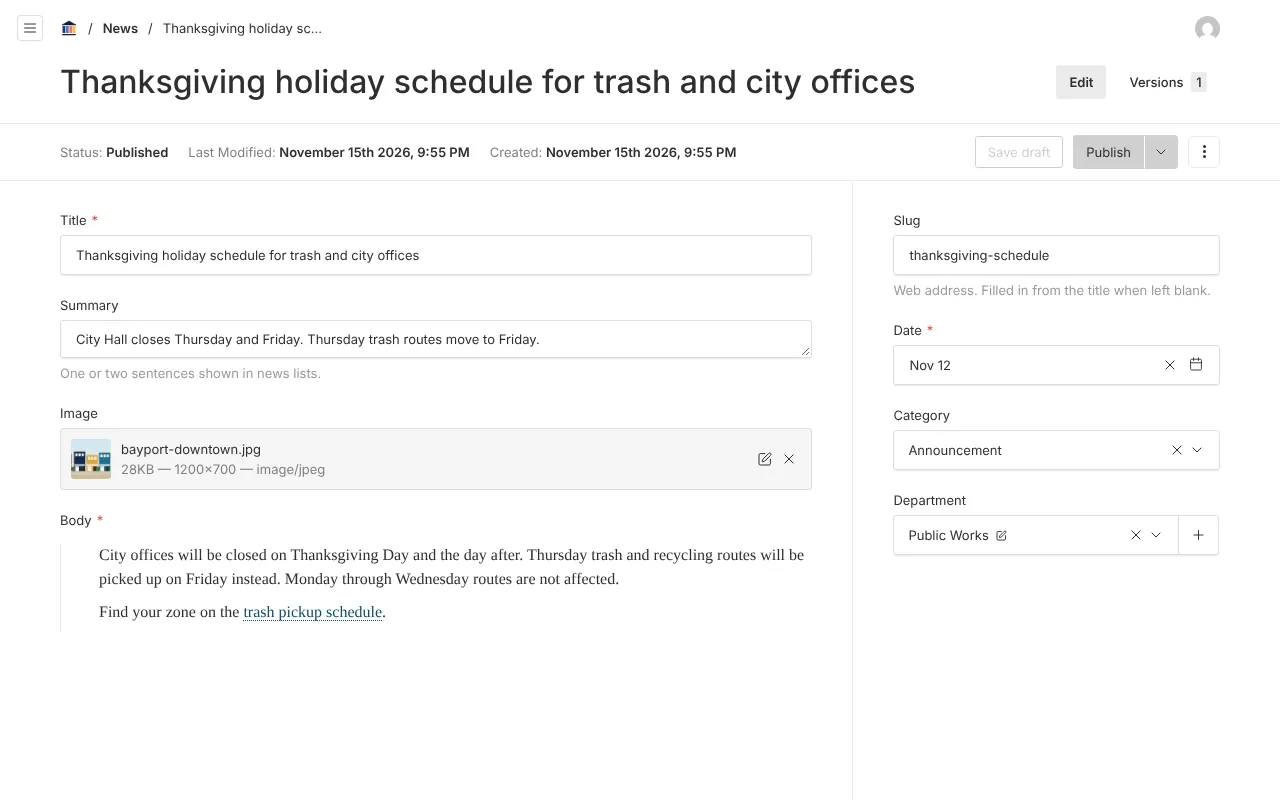
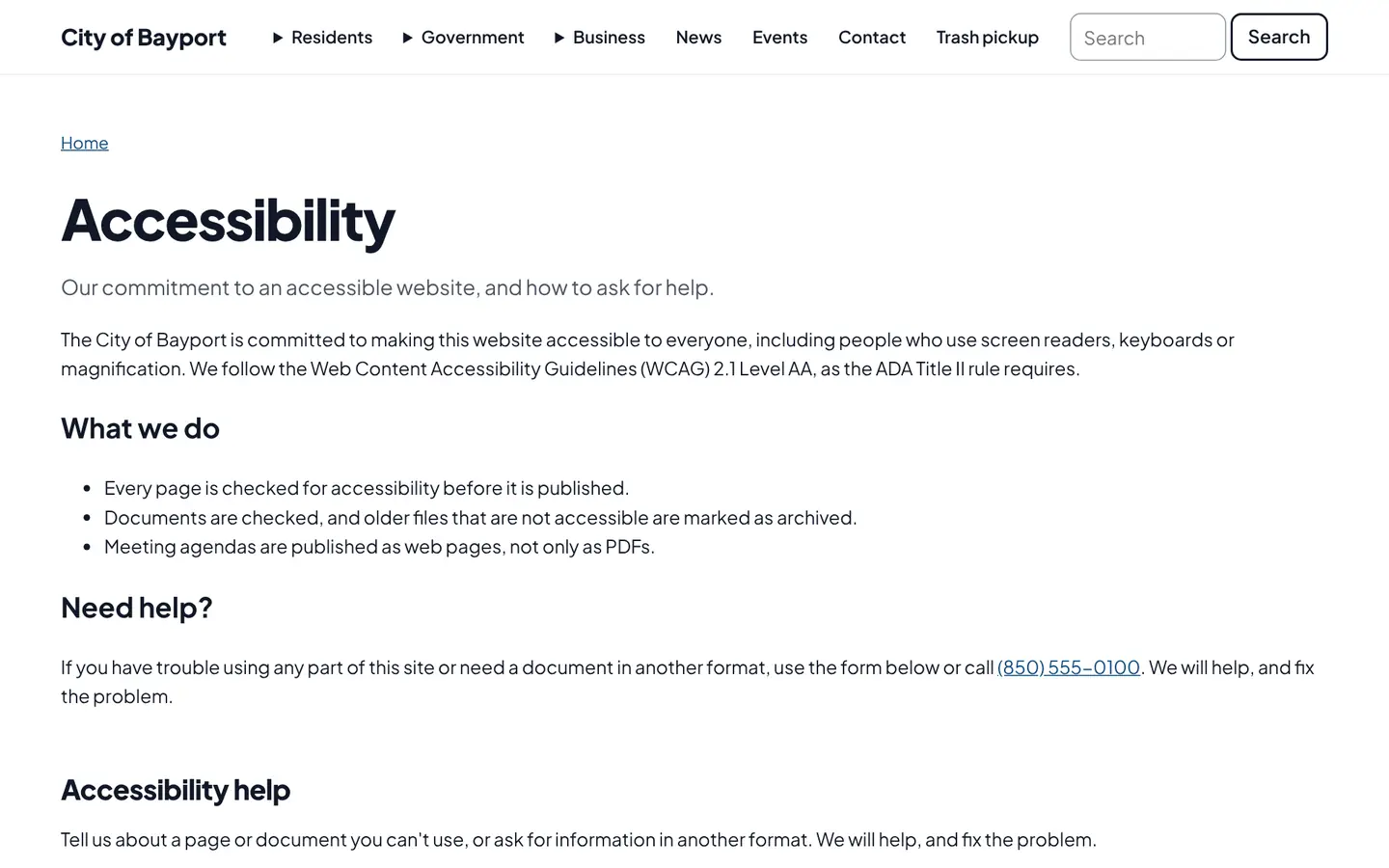
Screenshots from Bayport, our made-up demo city. Select any screenshot to see it full size.
Key features
- Heading order
- Catches a second main heading or headings that skip a level (WCAG 1.3.1 and 2.4.6).
- Link text
- Flags links that say "click here" or "read more" with nothing else to go on (WCAG 2.4.4).
- Document links
- Blocks links to posted documents that are marked as needing accessibility fixes, since ADA Title II covers them too.
- Photo descriptions
- Gallery photos can’t publish with blank alt text, the word "decorative", or a camera file name.
- Contrast-checked colors
- City brand colors must pass AA contrast before they are saved.
Works well with

Ready before April 2027?
We move your content, set up your departments, and train your staff, so your new site is ready well ahead of the deadline.