
Event sign-ups
Turn on sign-ups for any event and set how many spots there are. Residents sign up without an account, join a waitlist when it is full, and cancel with a private link so the next person moves up.
How it works
Three steps, no web team needed
Open sign-ups
Set spots, group size and when sign-ups close.
Residents sign up
On the event page, with a waitlist once it fills.
Check people in
One list per event, and the waitlist moves up on its own.
For residents
- Sign up on the event page in a few seconds, no account needed
- See how many spots are left
- Cancel with a link, and hear by email when a waitlist spot opens
For city staff
- Set spots, group size and when sign-ups close for each event
- One list per event for the door, with who came and who didn’t
- The waitlist moves up by itself when someone cancels
See it in the demo city
What residents see, and what staff use
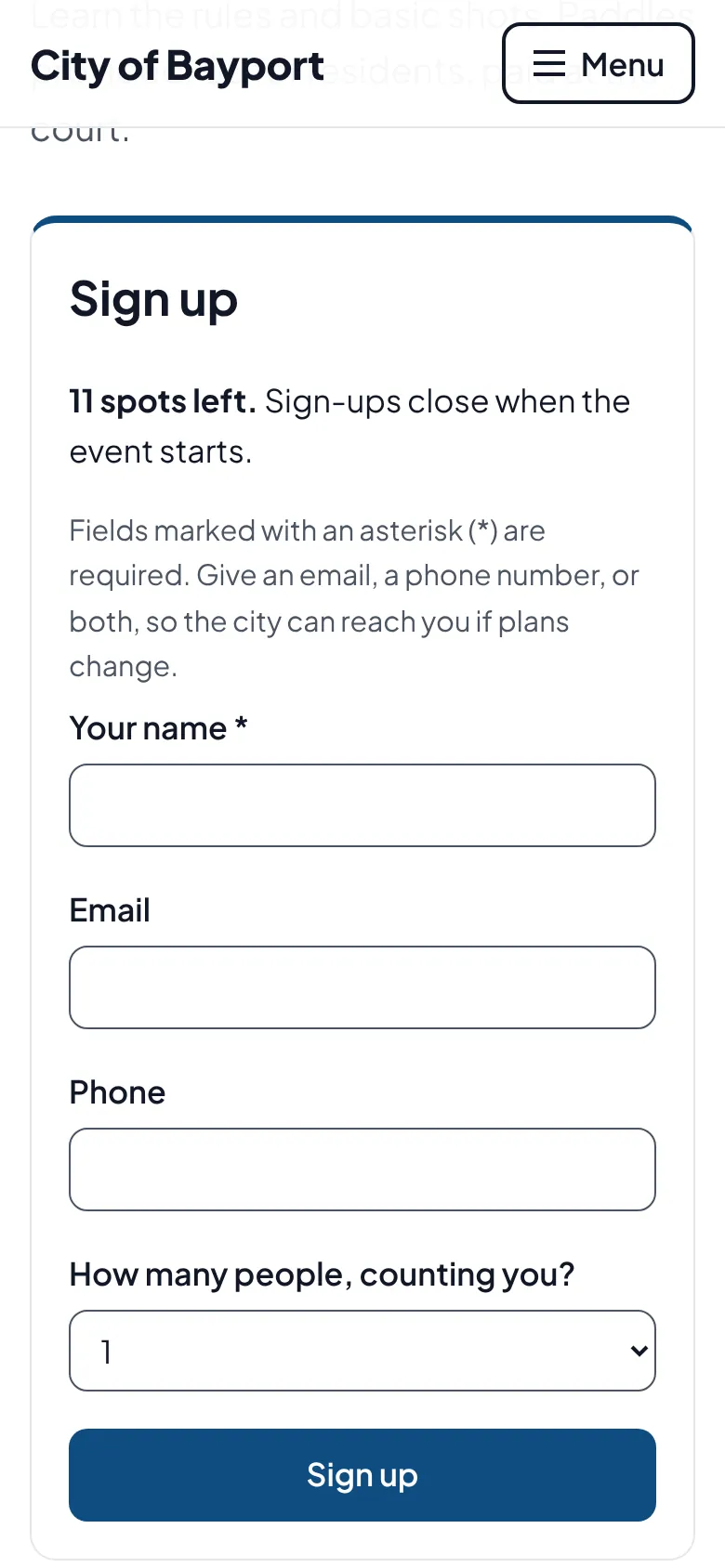
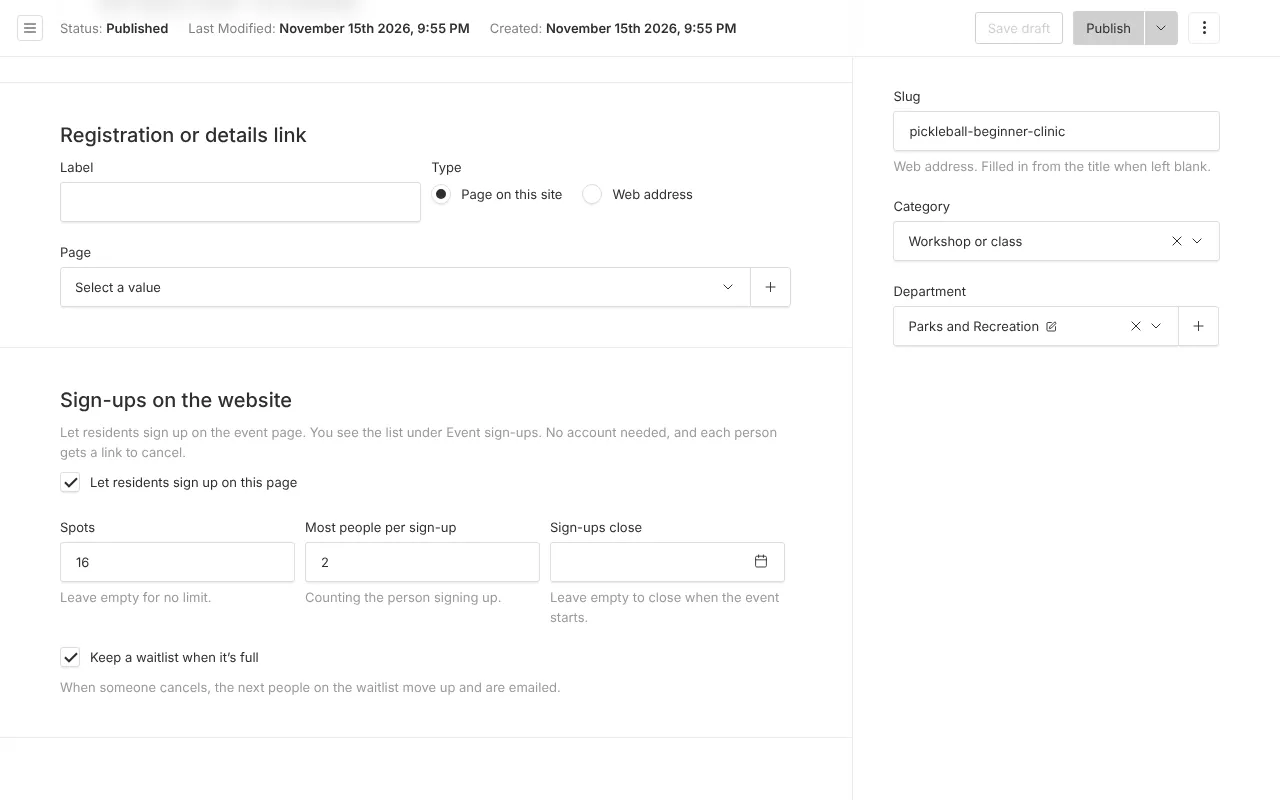
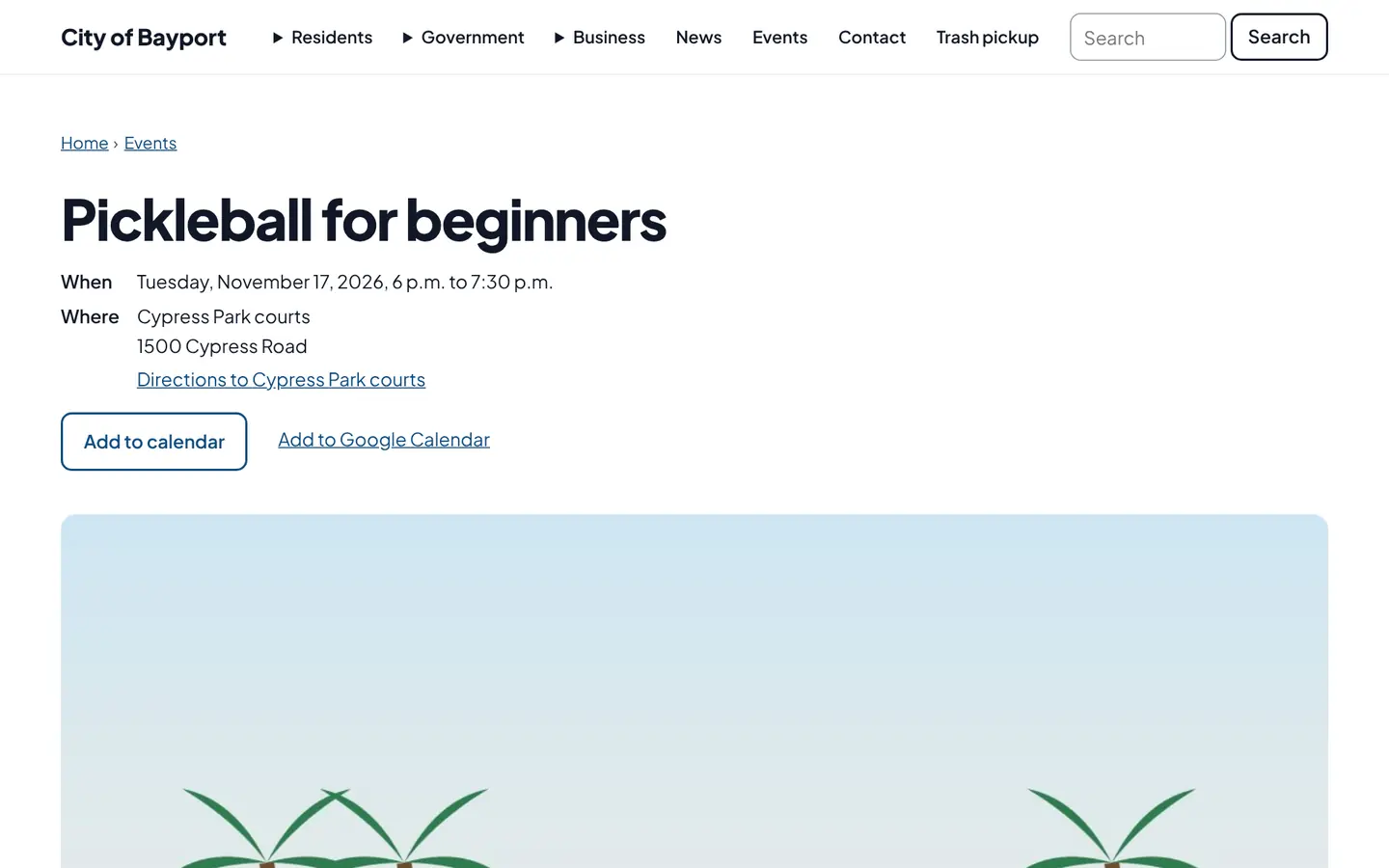
Screenshots from Bayport, our made-up demo city. Select any screenshot to see it full size.
Key features
- Spots and waitlist
- A limit you set, then a waitlist that fills in order.
- Groups
- One sign-up can bring family or friends, up to the limit you choose.
- Private cancel link
- Shown after signing up and emailed, and it asks before it cancels.
- Spam checks
- A plain form that works without JavaScript, with bot and rate checks.

Ready before April 2027?
We move your content, set up your departments, and train your staff, so your new site is ready well ahead of the deadline.