
Boards and commissions
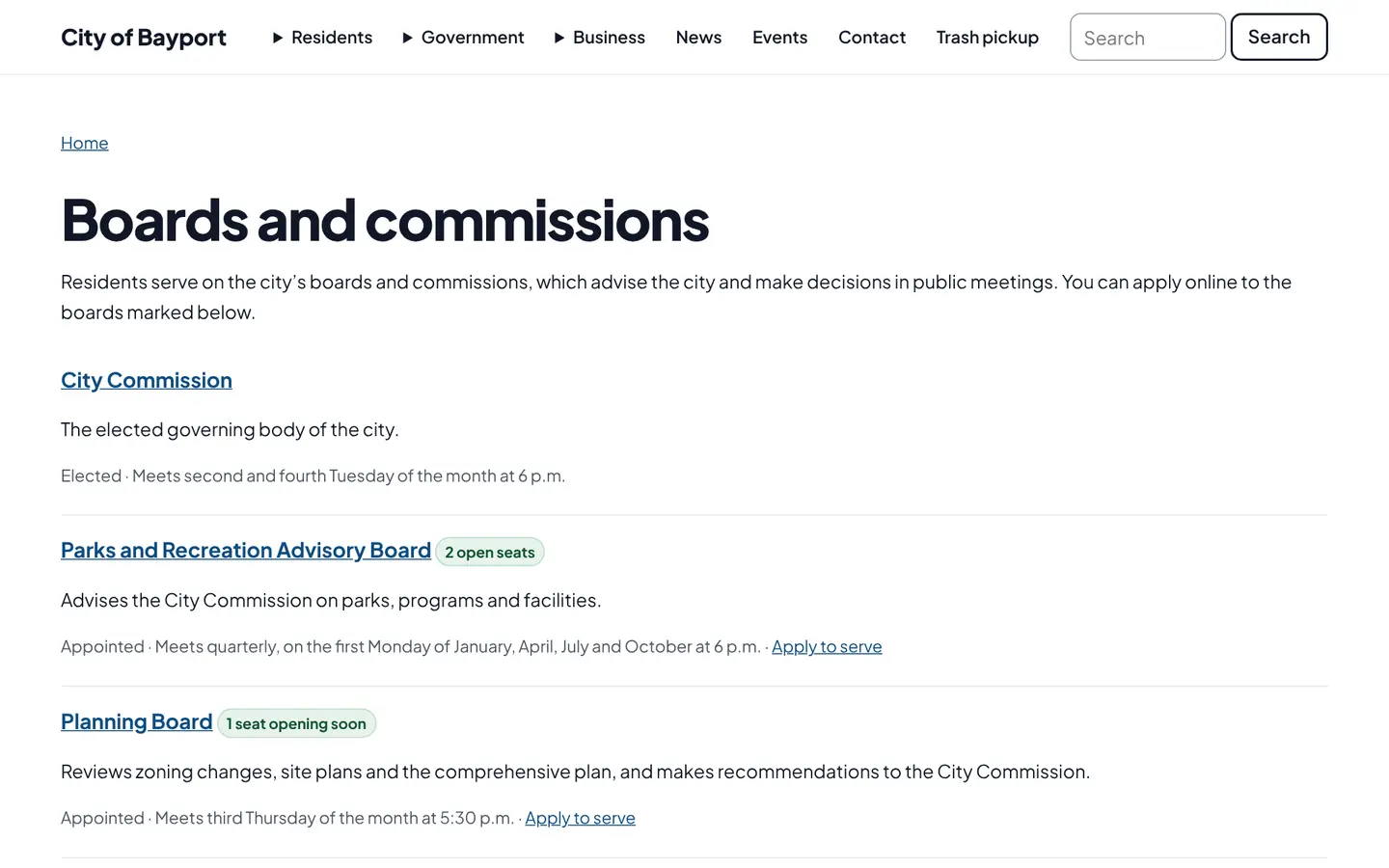
Each board gets a page with what it does, when it meets, who sits on it and when their terms end. Open seats are marked, and residents apply online to the boards that are taking applications.
How it works
Three steps, no web team needed
List each board
Add members, seats and term dates. Open seats show by themselves.
Residents apply
An online application on each board’s page, with the qualifications listed.
Track appointments
Mark each application received, sent to the commission, appointed or not.
For residents
- See who serves on each board and when seats open up
- Apply to serve from the board’s page, without printing a form
- Jump straight to that board’s agendas and minutes
For city staff
- Add seats and term dates once; open seats show by themselves
- Applications arrive in the admin, with the resident’s answers locked
- Track each one: received, sent to the commission, appointed or not
See it in the demo city
What residents see, and what staff use
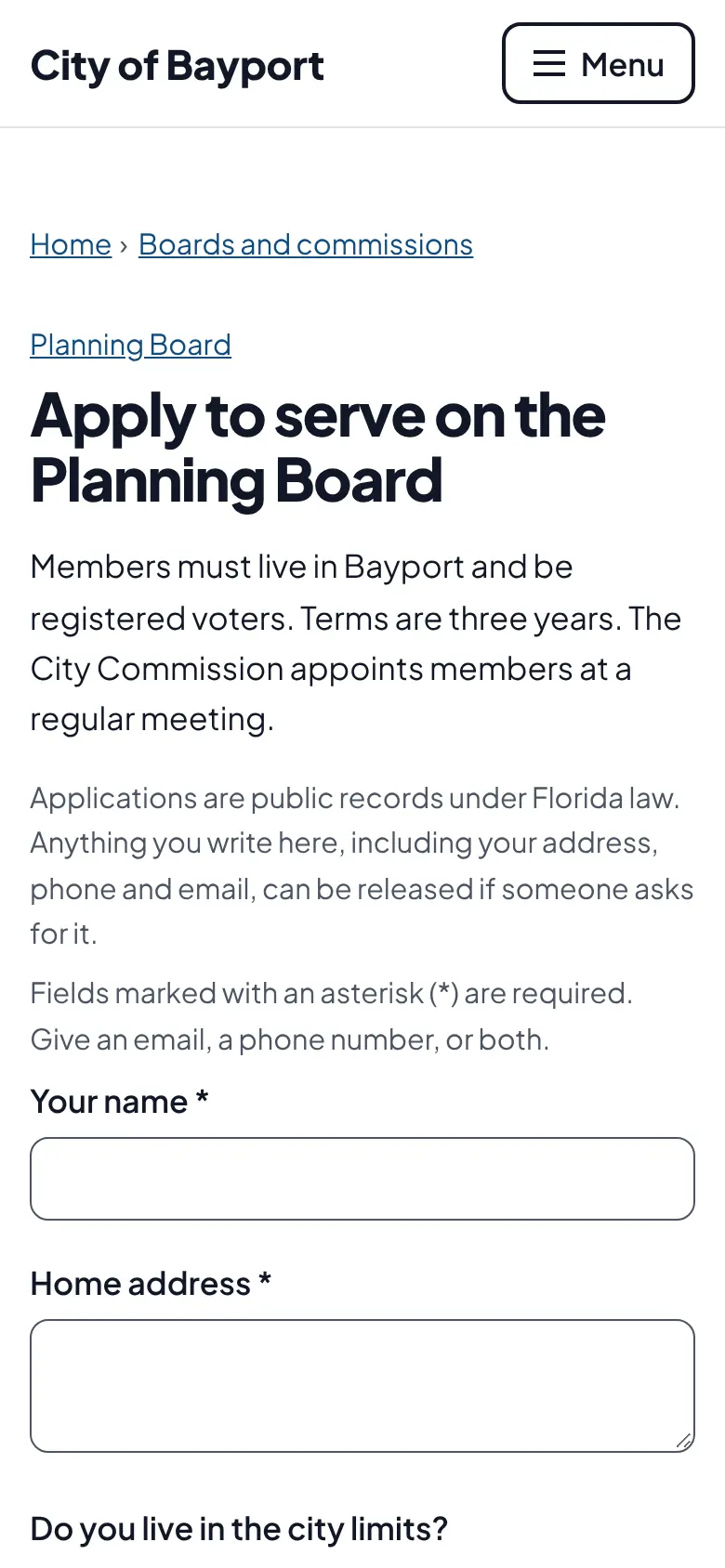
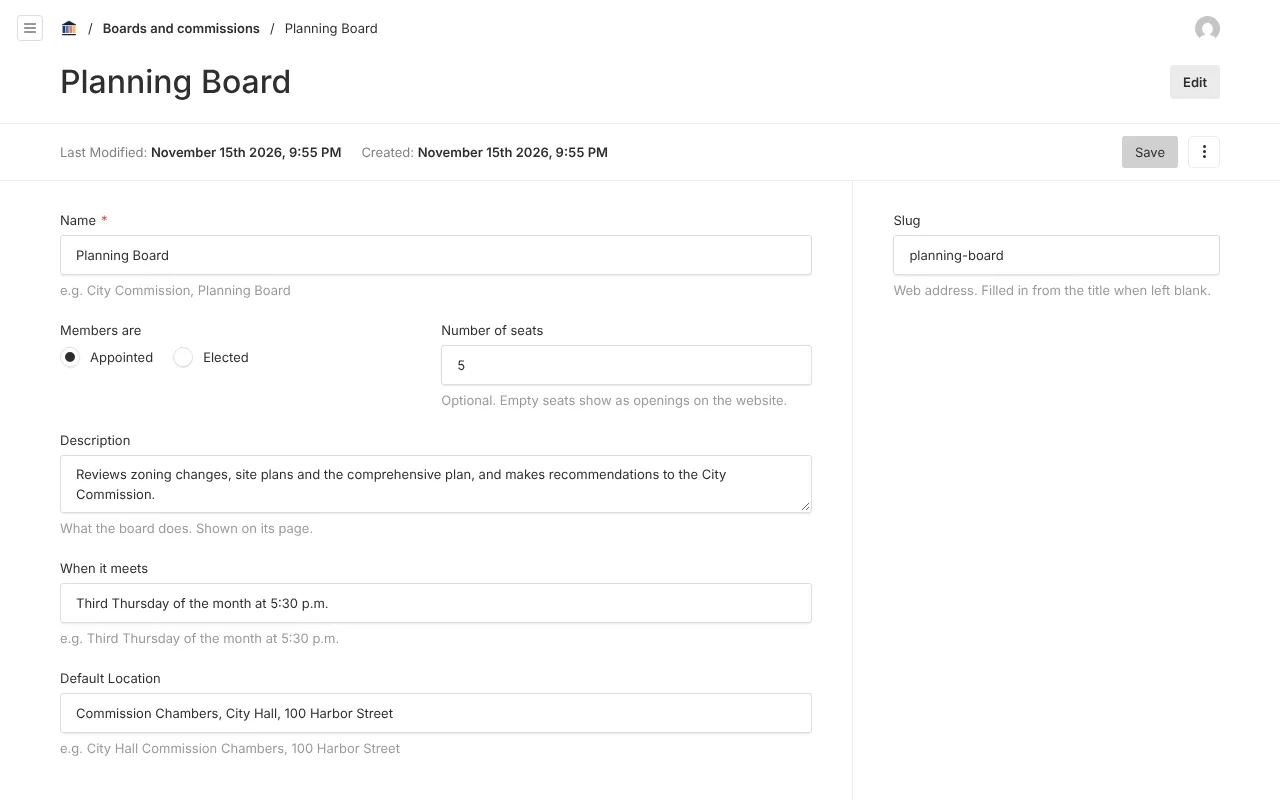
Screenshots from Bayport, our made-up demo city. Select any screenshot to see it full size.
Key features
- Open seats
- Empty seats and terms ending within 90 days are flagged.
- Online application
- A plain form with spam checks that works without JavaScript.
- Elected or appointed
- Elected bodies show members and terms but never take applications.
- Kept for the record
- Applications are public records and can’t be deleted by staff.

Ready before April 2027?
We move your content, set up your departments, and train your staff, so your new site is ready well ahead of the deadline.