
Permits and licensing guide
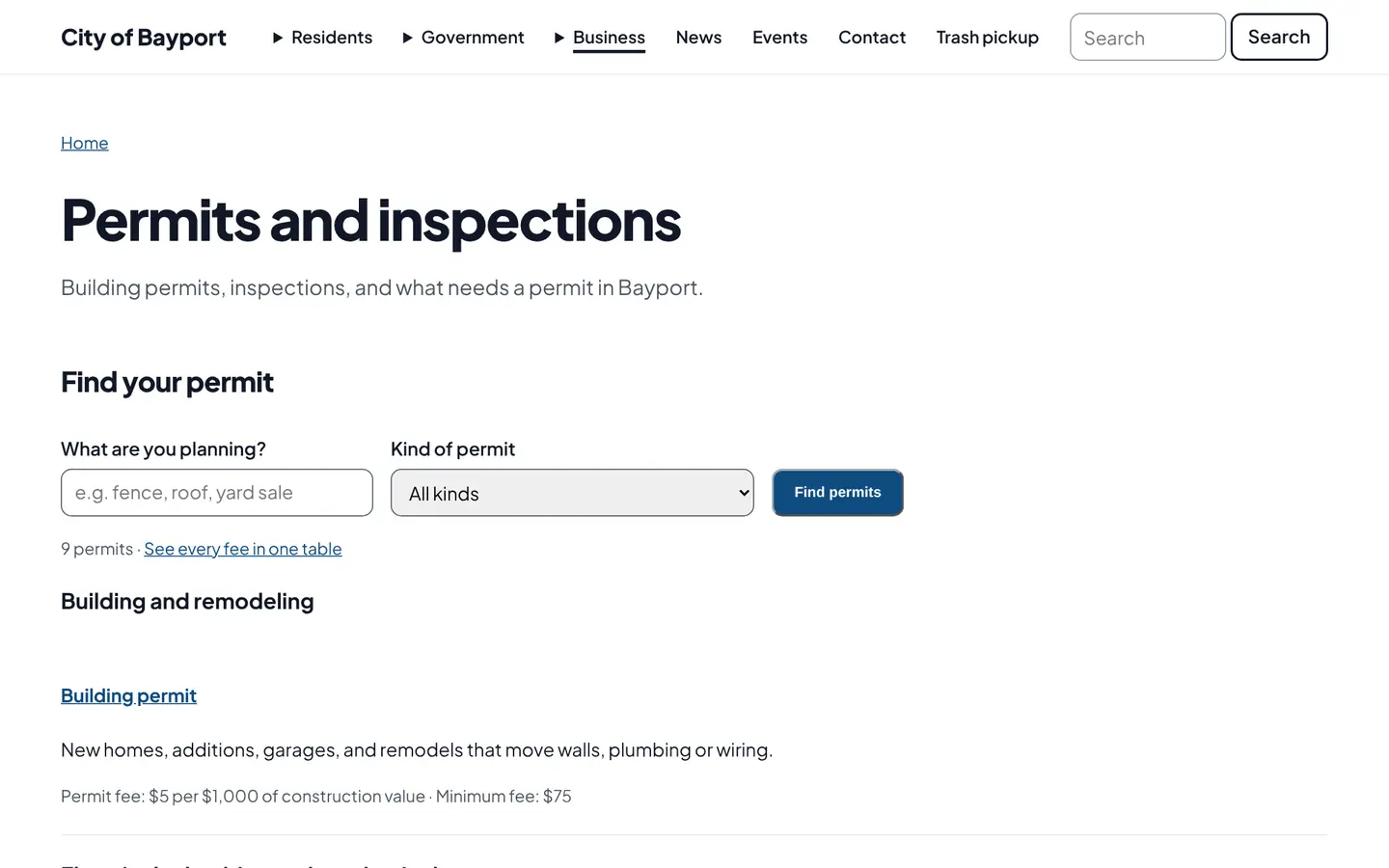
A permit finder that answers "do I need a permit for this?" Each permit has its own page with requirements, fillable forms, fees and review time, plus a full fee table.
How it works
Three steps, no web team needed
Describe each permit
When you need it, what to submit, fees, review time and how to apply.
Residents find the right one
Search by project or browse by category.
Fees stay current
Change a fee once and the permit page and fee table both update.
For residents
- Find the right permit by project
- A checklist of what to submit, with fillable forms
- Fees and expected review time up front
For city staff
- Fewer "what do I need?" phone calls
- Update fees in one place and every page follows
See it in the demo city
What residents see, and what staff use
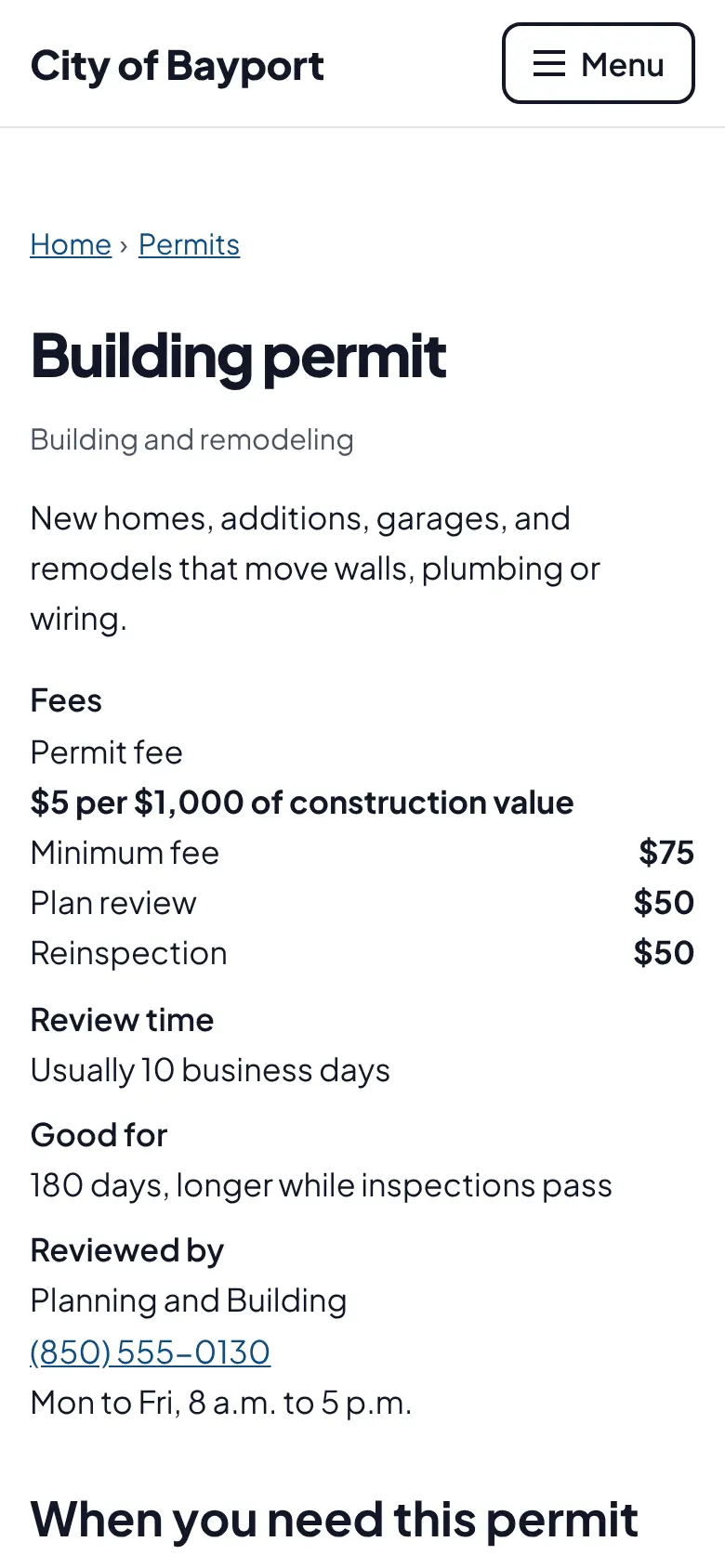
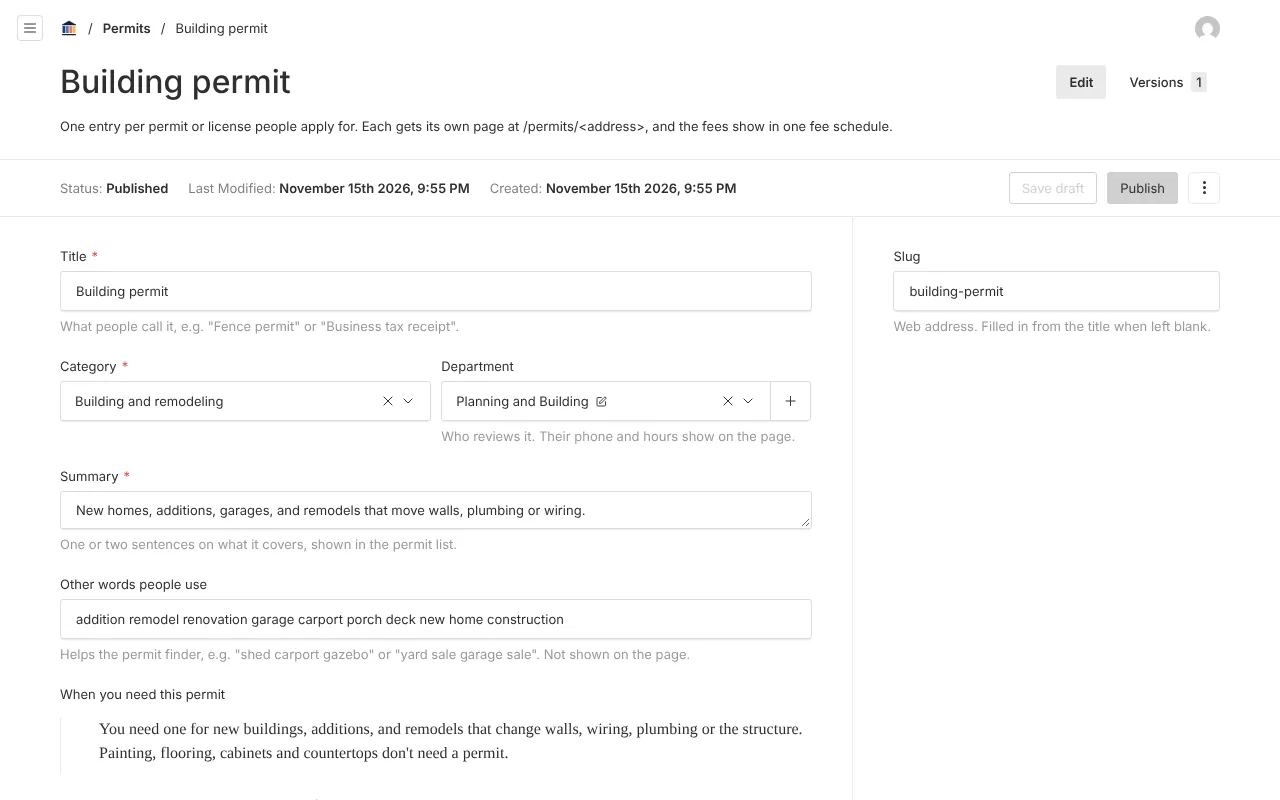
Screenshots from Bayport, our made-up demo city. Select any screenshot to see it full size.
Key features
- Permit finder
- Search by keyword or browse by category.
- Permit pages
- When you need it, what to submit, fees, review time, how long it is valid, inspections and how to apply.
- Fee schedule
- A full fee table generated from the permit pages.
- Works with your permitting system
- Apply links can point to the system you already use.

Ready before April 2027?
We move your content, set up your departments, and train your staff, so your new site is ready well ahead of the deadline.