
Photo galleries
Share event and project photos in albums. Every photo has its own page with a caption and credit, and alt text is checked before an album can publish.
How it works
Three steps, no web team needed
Upload photos
Add a caption, credit and description to each one.
Descriptions are checked
Blank or file-name alt text is refused before publishing.
Residents browse
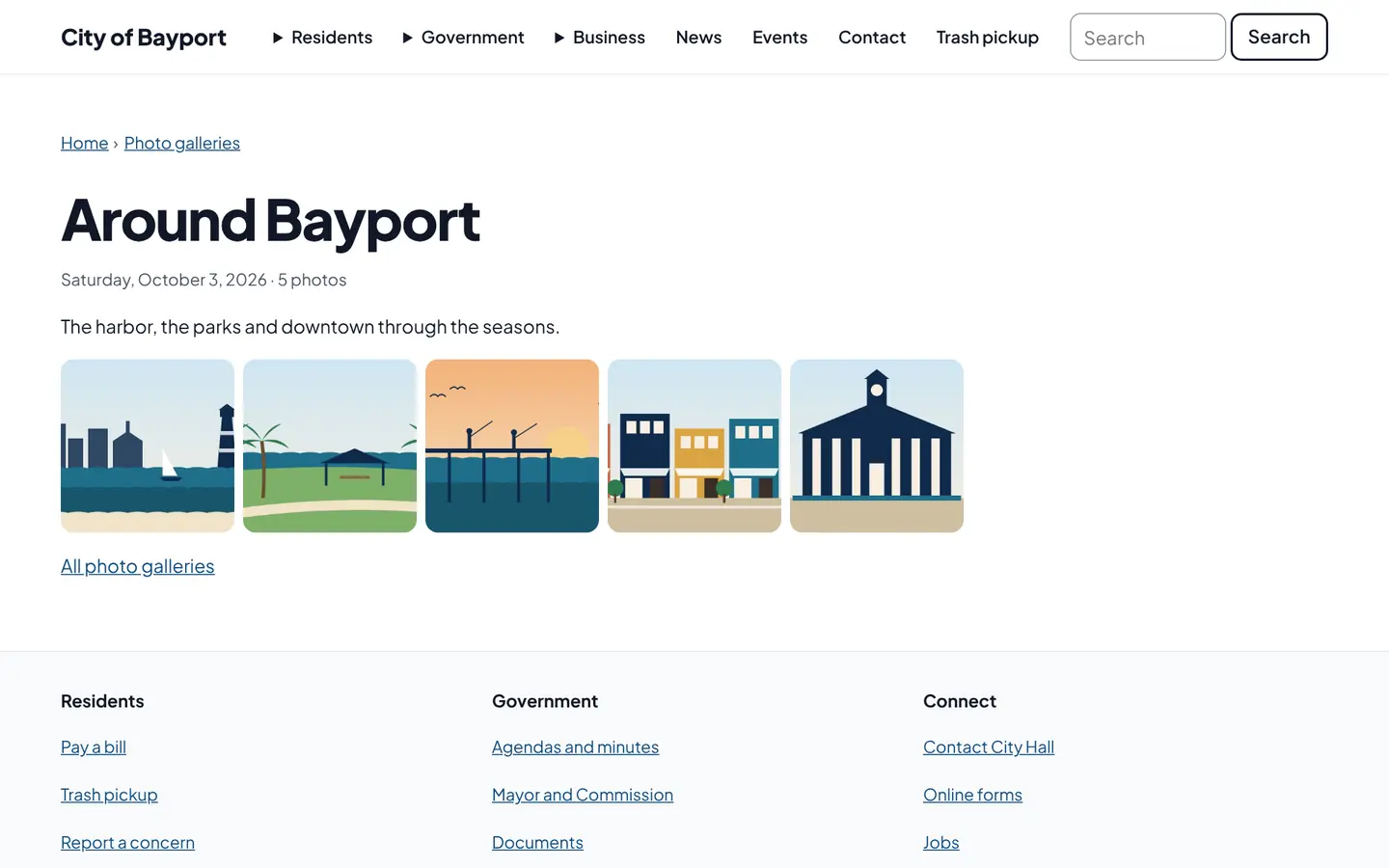
Albums with a page for every photo, with or without JavaScript.
For residents
- Browse albums on any device
- A described page for every photo, with previous and next
For city staff
- Alt text is checked before an album publishes
- Add a gallery section to any page
See it in the demo city
What residents see, and what staff use
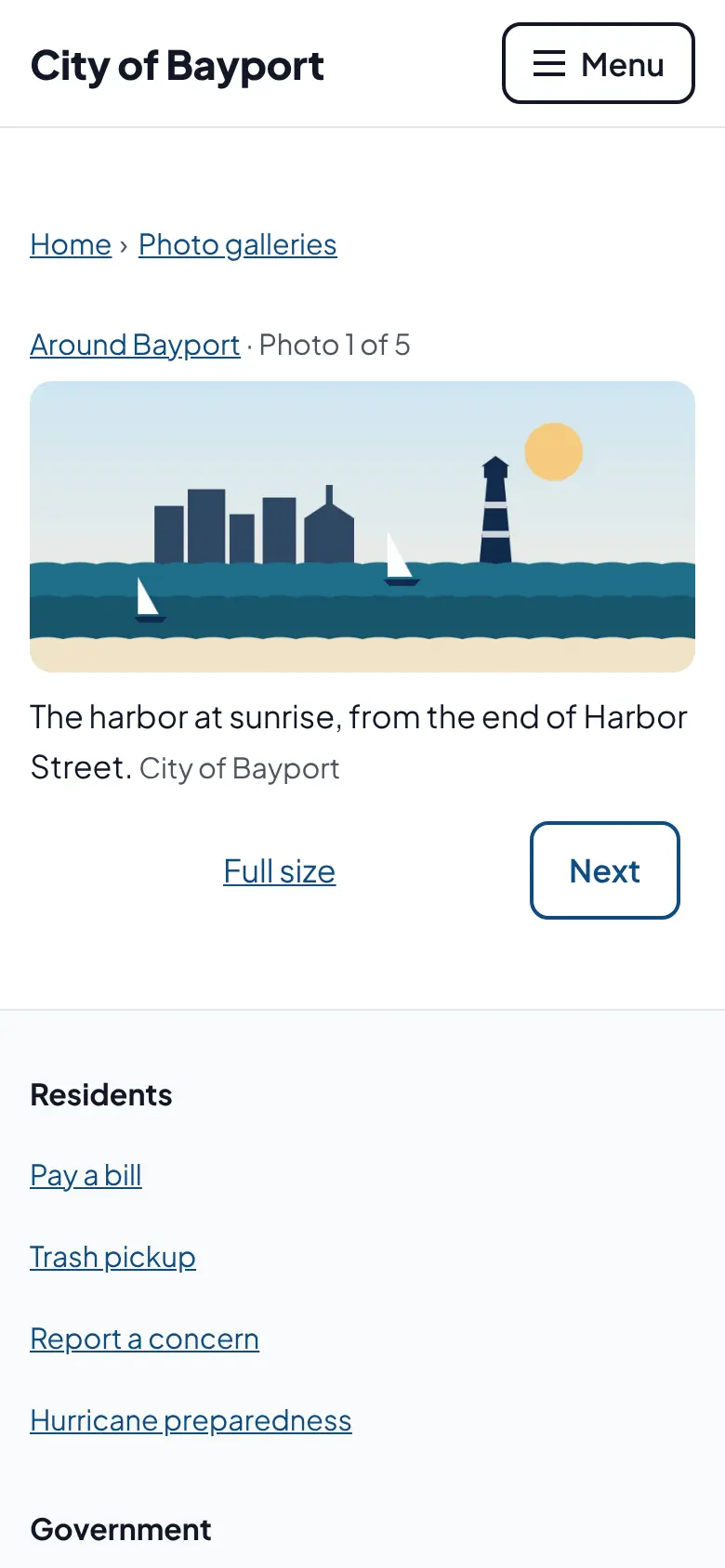
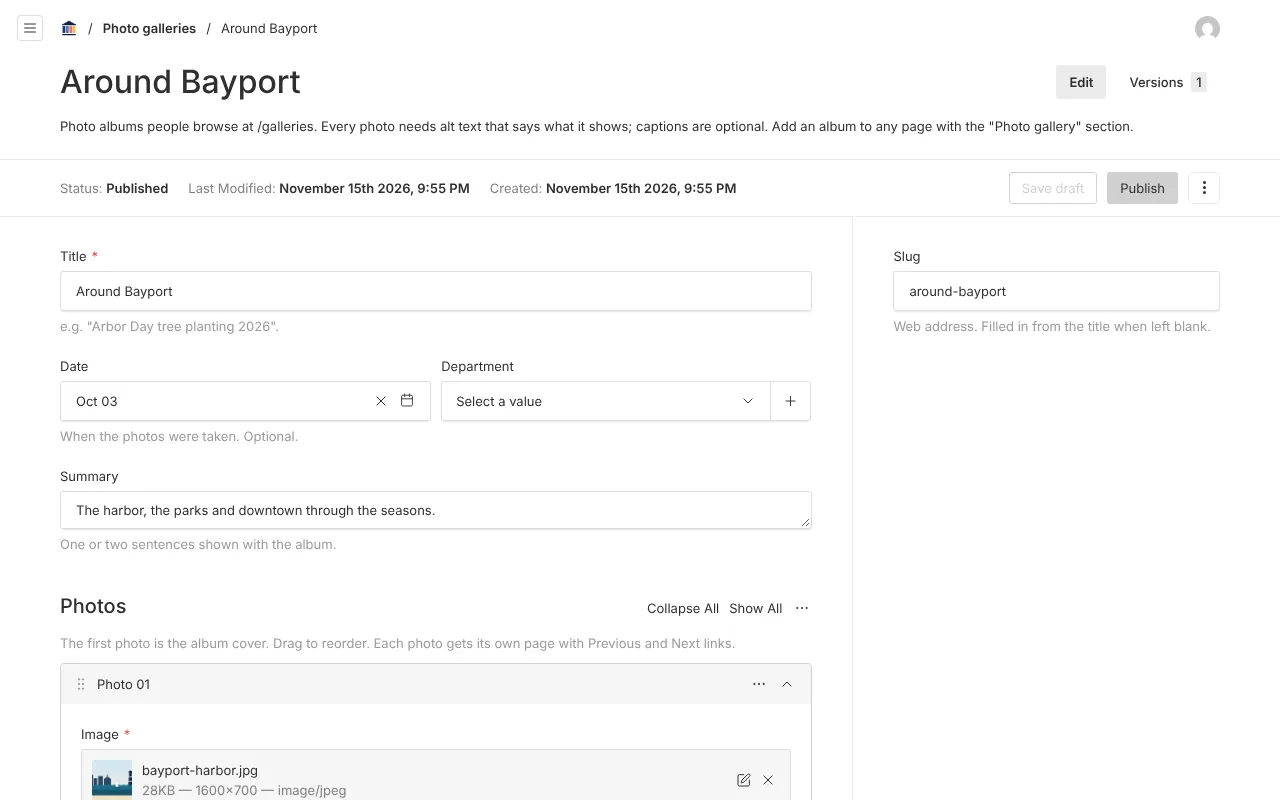
Screenshots from Bayport, our made-up demo city. Select any screenshot to see it full size.
Key features
- Photo pages
- Caption, credit and description for each photo.
- Alt text checks
- Blank, "decorative" and camera file names are refused.
- No scripts needed
- Works with JavaScript off and with screen readers.

Ready before April 2027?
We move your content, set up your departments, and train your staff, so your new site is ready well ahead of the deadline.