
Fillable PDF forms
Every online form also has a blank fillable PDF for people who prefer paper. The document library turns away flat PDFs that look like blank forms, so residents never have to print and handwrite.
How it works
Three steps, no web team needed
Build the online form
Add fields in the form builder.
A fillable PDF is made
With your letterhead, labeled fields and an office-use box, for people who prefer paper.
Flat forms are caught
Uploads that look like blank print-and-fill forms are flagged.
For residents
- Fill in a PDF on screen instead of printing it
- Fields labeled for screen readers
For city staff
- A fillable PDF is made from each online form automatically
- Flat "print and fill" PDFs are caught at upload
See it in the demo city
What residents see, and what staff use
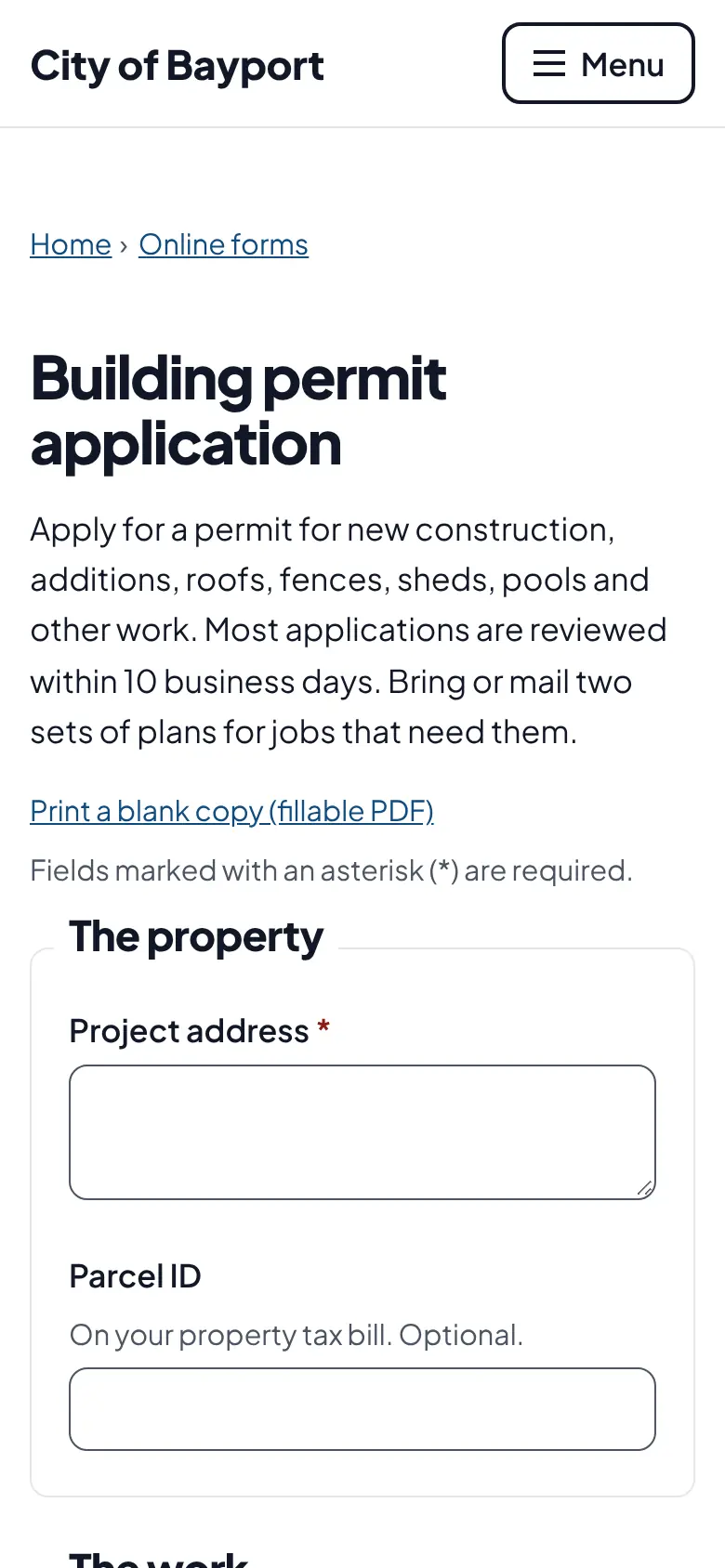
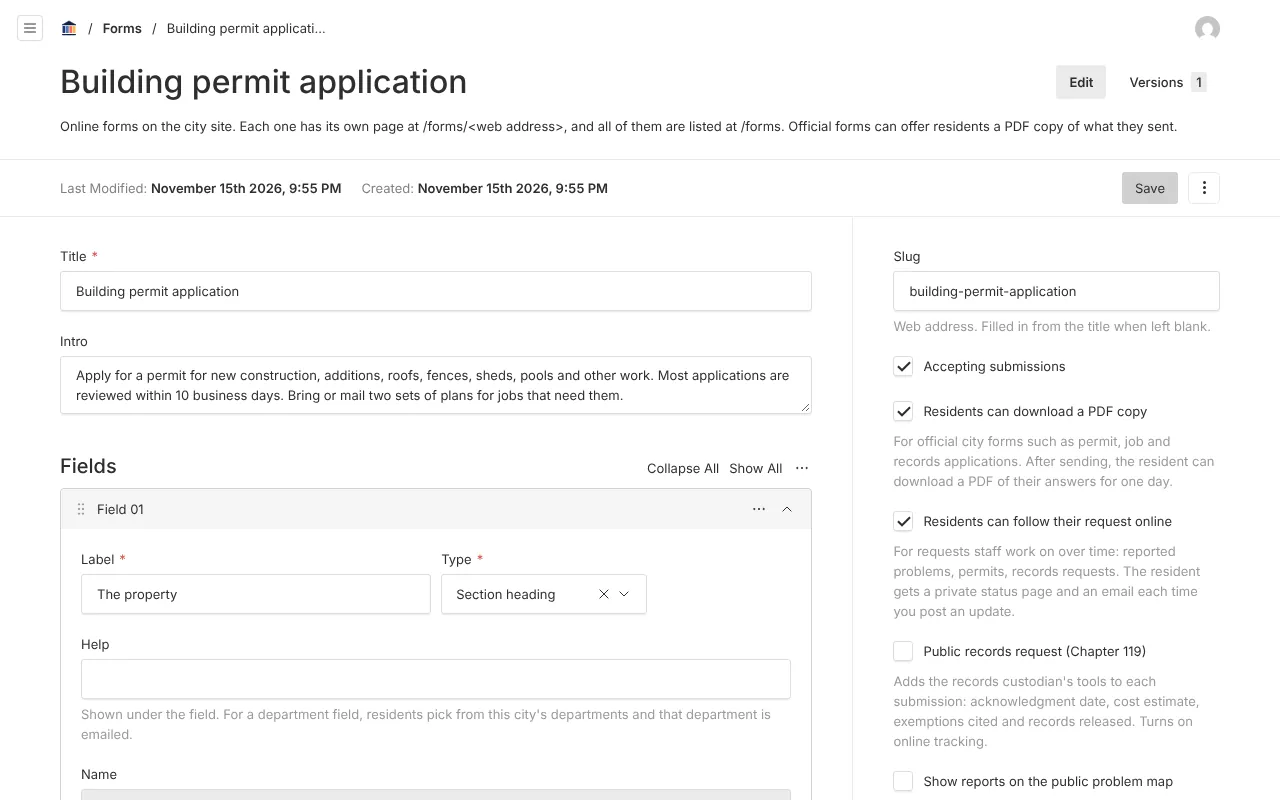
Screenshots from Bayport, our made-up demo city. Select any screenshot to see it full size.
Key features
- Generated from your forms
- City letterhead, labeled fields, checkboxes and an office-use box.
- Tagged fields
- Every field has a tooltip label for assistive technology.
- Upload check
- PDFs with blank lines and no fields are flagged as unfillable.
Works well with

Ready before April 2027?
We move your content, set up your departments, and train your staff, so your new site is ready well ahead of the deadline.