
Job postings
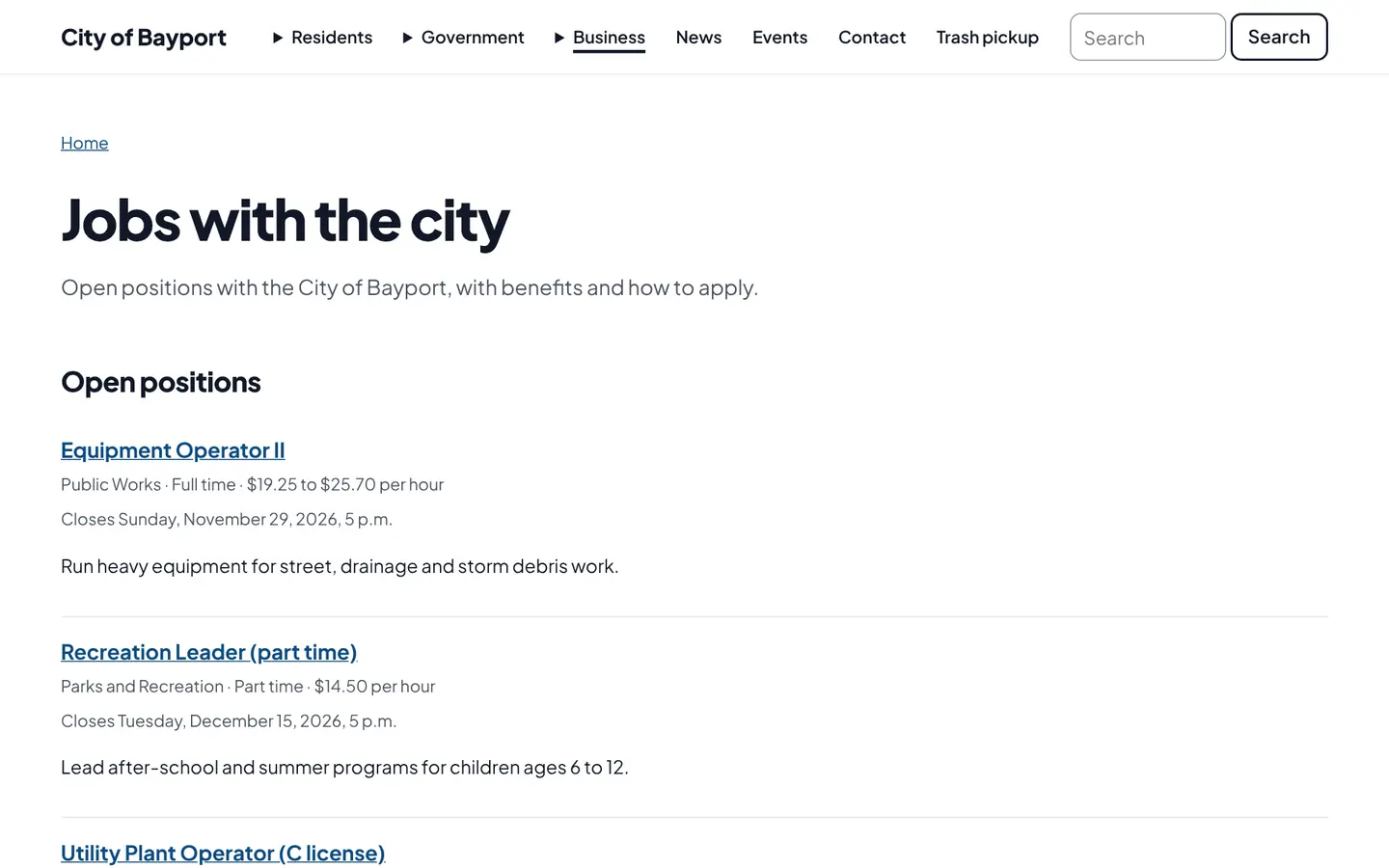
Post city jobs with pay, closing dates and how to apply. Open postings appear in Google’s job search, and the apply link fills in the position on the application form.
How it works
Three steps, no web team needed
Post the job
Pay, duties, qualifications and closing date.
It reaches job seekers
Listed on your site and in Google job search, with an email to subscribers.
Applications come in
Through your application form, with the position already filled in.
For residents
- Every open job with pay and closing date
- Apply online with the position already filled in
- An email when a new job is posted
For city staff
- Postings come down from the open list at the closing date
- Applications arrive in the HR inbox
See it in the demo city
What residents see, and what staff use
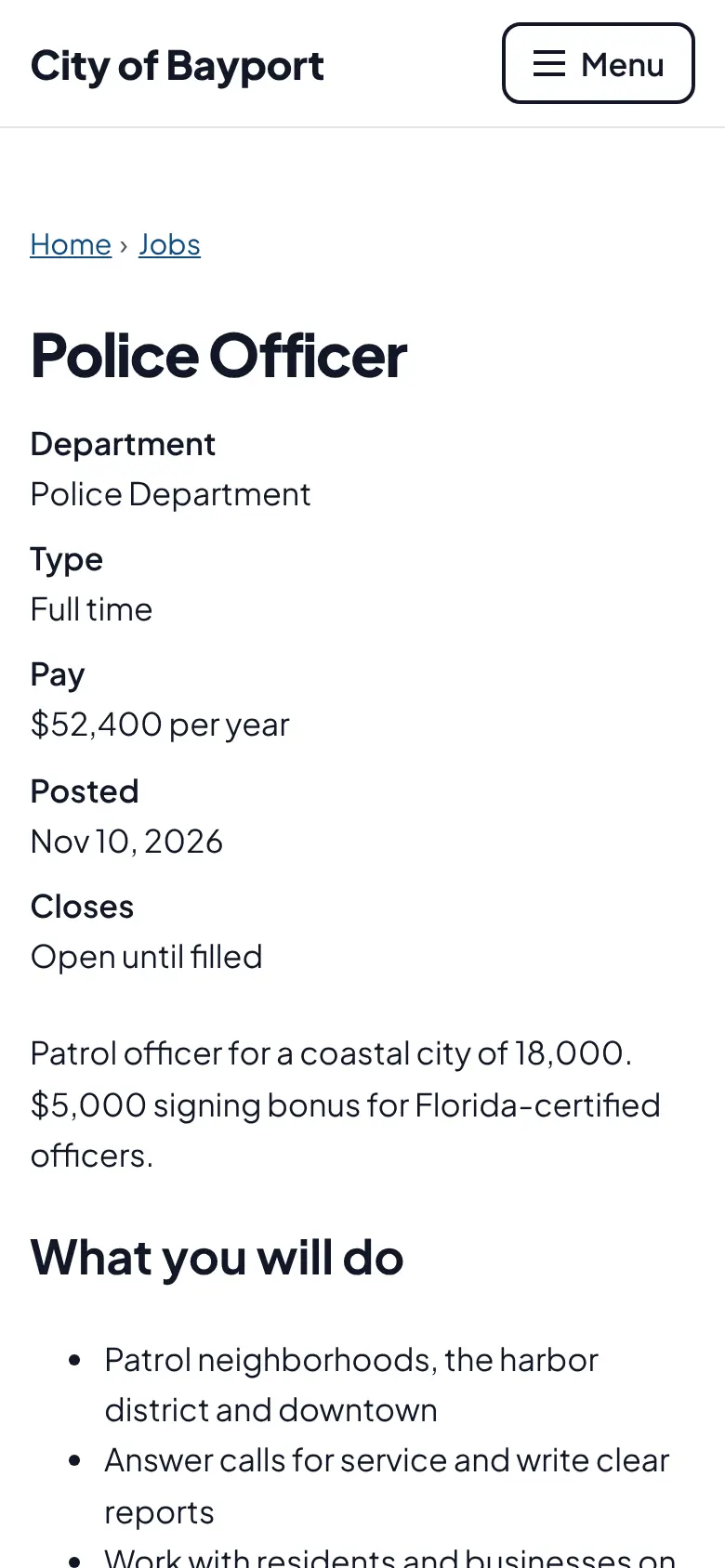
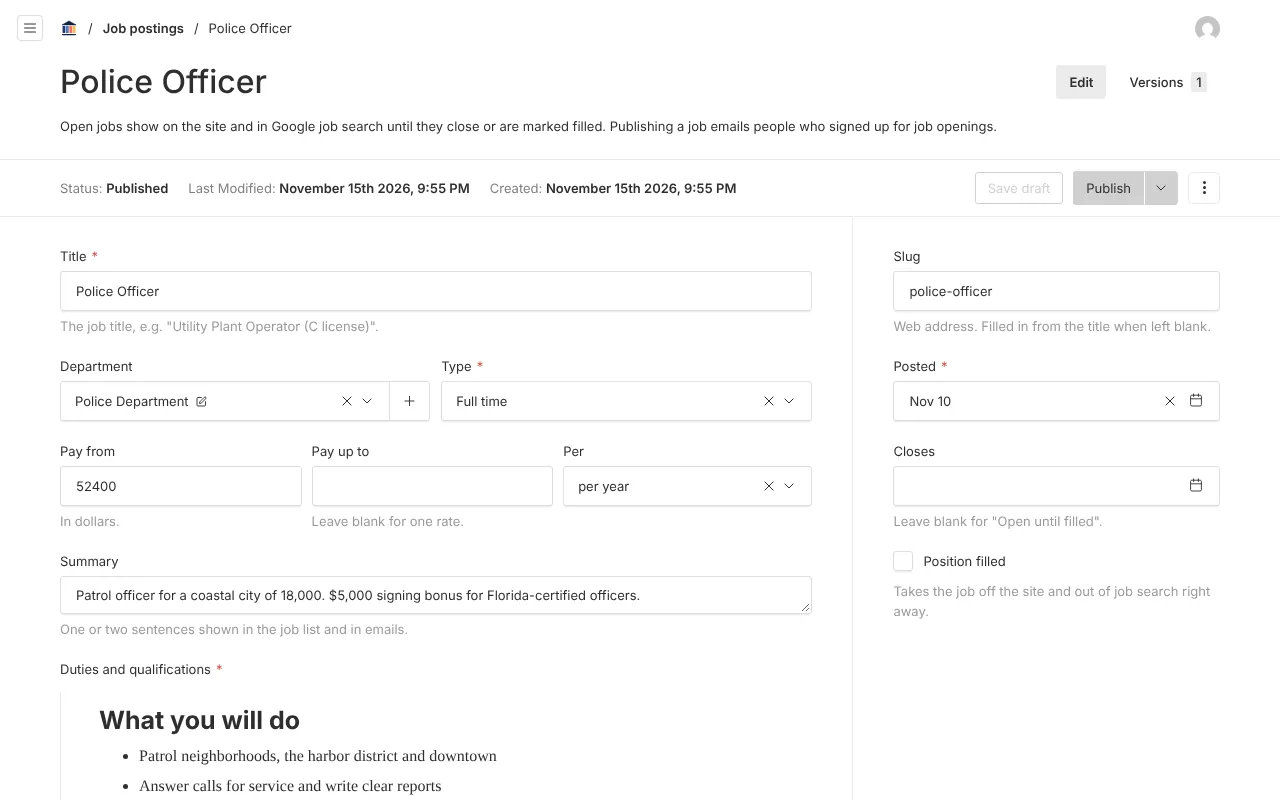
Screenshots from Bayport, our made-up demo city. Select any screenshot to see it full size.
Key features
- Google job search
- Open postings carry the data Google needs to list them.
- Apply online
- Links to your application form with the position chosen.
- Job openings section
- Drop the list onto your HR page.

Ready before April 2027?
We move your content, set up your departments, and train your staff, so your new site is ready well ahead of the deadline.