
Email updates
Residents pick the topics they care about and get an email when the city posts something new. Sign-ups are confirmed by email, and every message has a one-click unsubscribe.
How it works
Three steps, no web team needed
Residents sign up
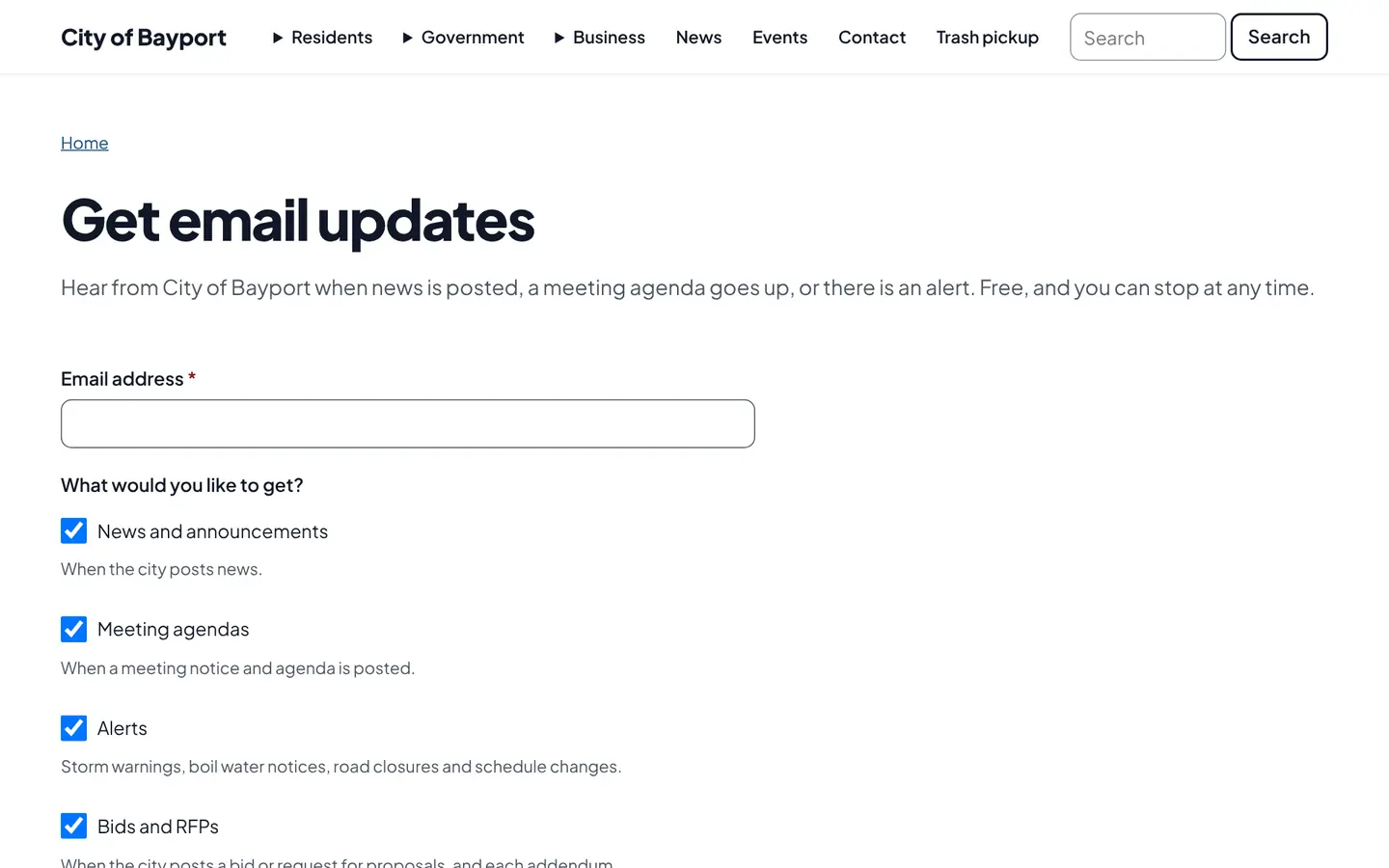
They pick topics like news, agendas, alerts, bids or jobs, then confirm by email.
Staff publish as usual
There is no newsletter to write. Publishing the item is what sends the email.
One click to stop
Every email has an unsubscribe link, and the city keeps a list of who confirmed and when.
For residents
- Choose topics: news, meeting agendas, alerts, bids, job openings
- Confirm by email, unsubscribe in one click
- Storm, water and alert emails when it matters most
For city staff
- Emails go out automatically when content is first published
- No mailing list to export or upload
- A subscriber list per city, with who confirmed and when
See it in the demo city
What residents see, and what staff use
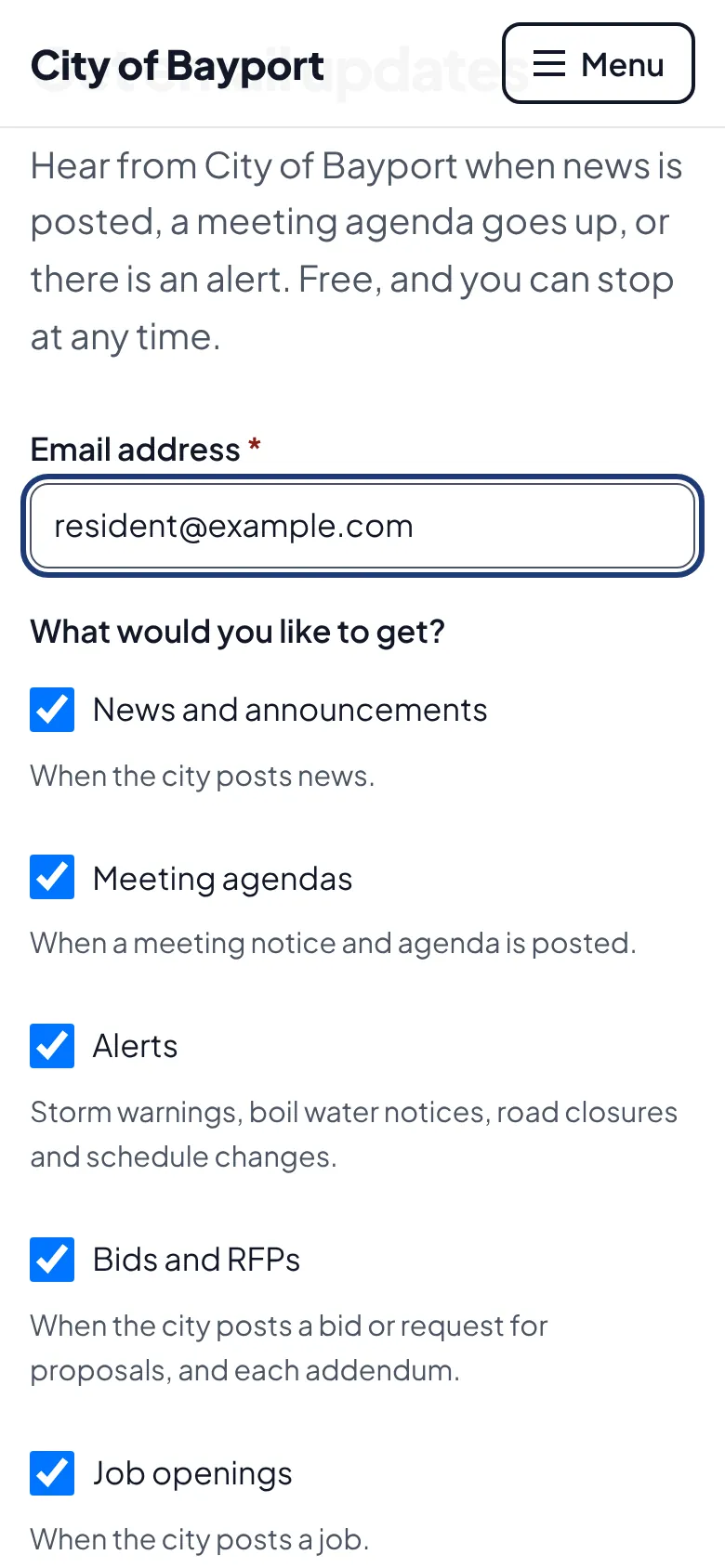
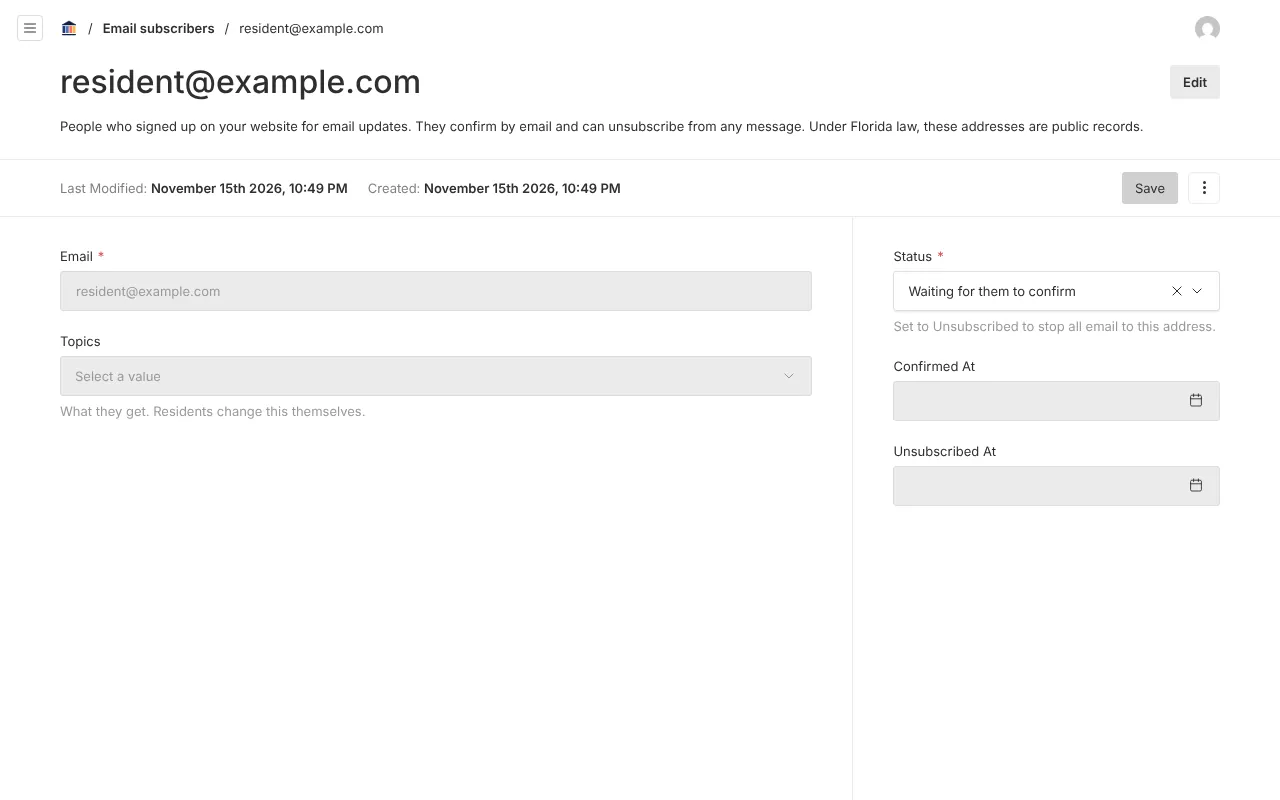
Screenshots from Bayport, our made-up demo city. Select any screenshot to see it full size.
Key features
- Double opt-in
- Every sign-up is confirmed by email before anything is sent.
- Topics
- News, meeting agendas, alerts, bids and RFPs, and job openings.
- Automatic sends
- An email on the first publish of news, agendas and alerts, never twice for the same item.
- Signed links
- Confirm and unsubscribe links can’t be guessed or forged.
Works well with

Ready before April 2027?
We move your content, set up your departments, and train your staff, so your new site is ready well ahead of the deadline.