
Public records requests
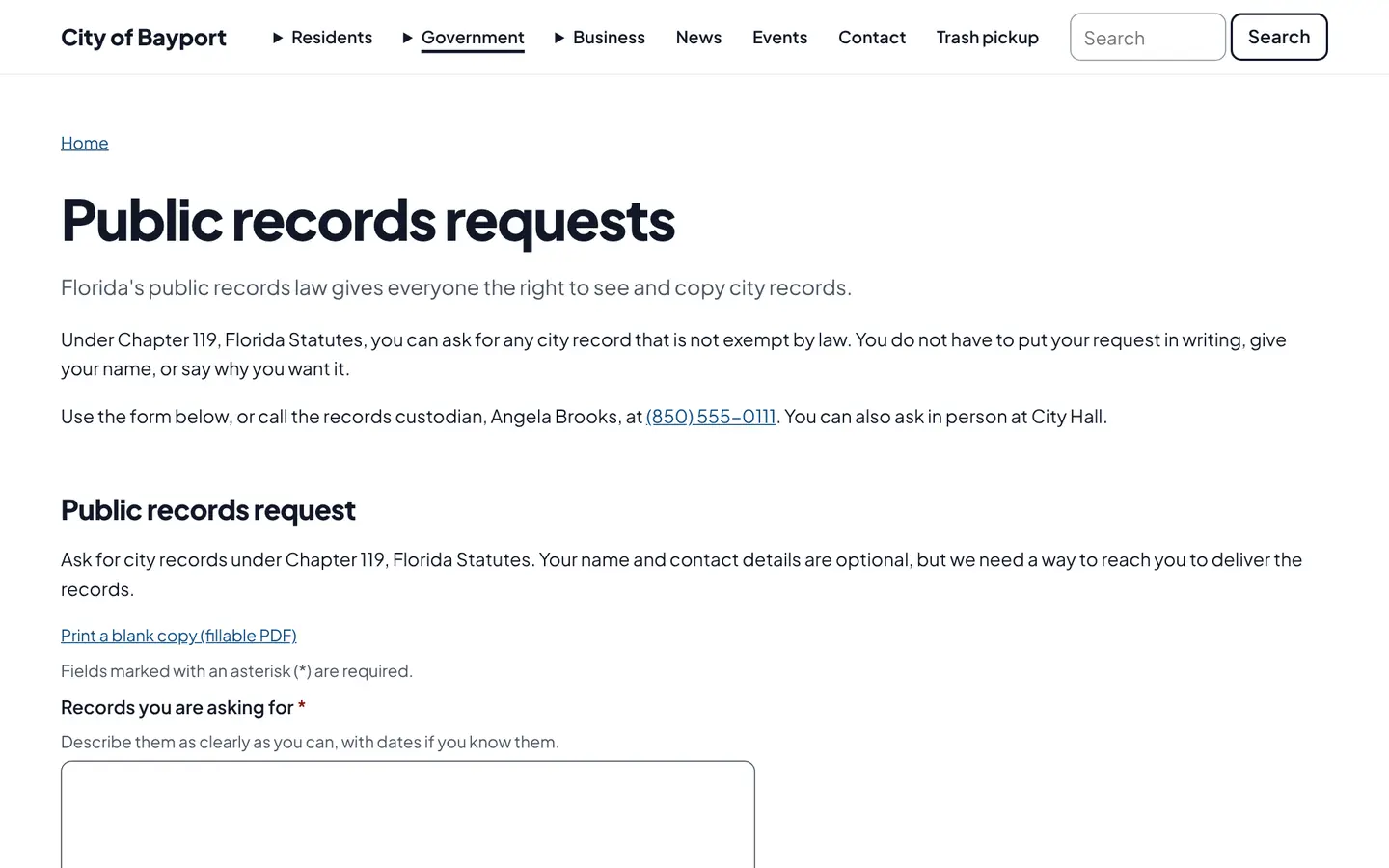
Residents file records requests online and follow them on a private status page. Staff log the acknowledgment, estimate, exemptions and released files in one place.
How it works
Three steps, no web team needed
Residents ask online
The request form gives a reference number and a private status page.
Staff work the request
Log the acknowledgment, cost estimate and exemptions. Each update emails the requester.
Release securely
Released files are visible only through that request’s private link.
For residents
- File a request online and get a reference number
- A private status page with every update
- Download released records from a secure link
For city staff
- Acknowledge, estimate cost, note exemptions and release files from one screen
- Each status update emails the requester
- The dashboard flags requests not acknowledged within three business days
See it in the demo city
What residents see, and what staff use
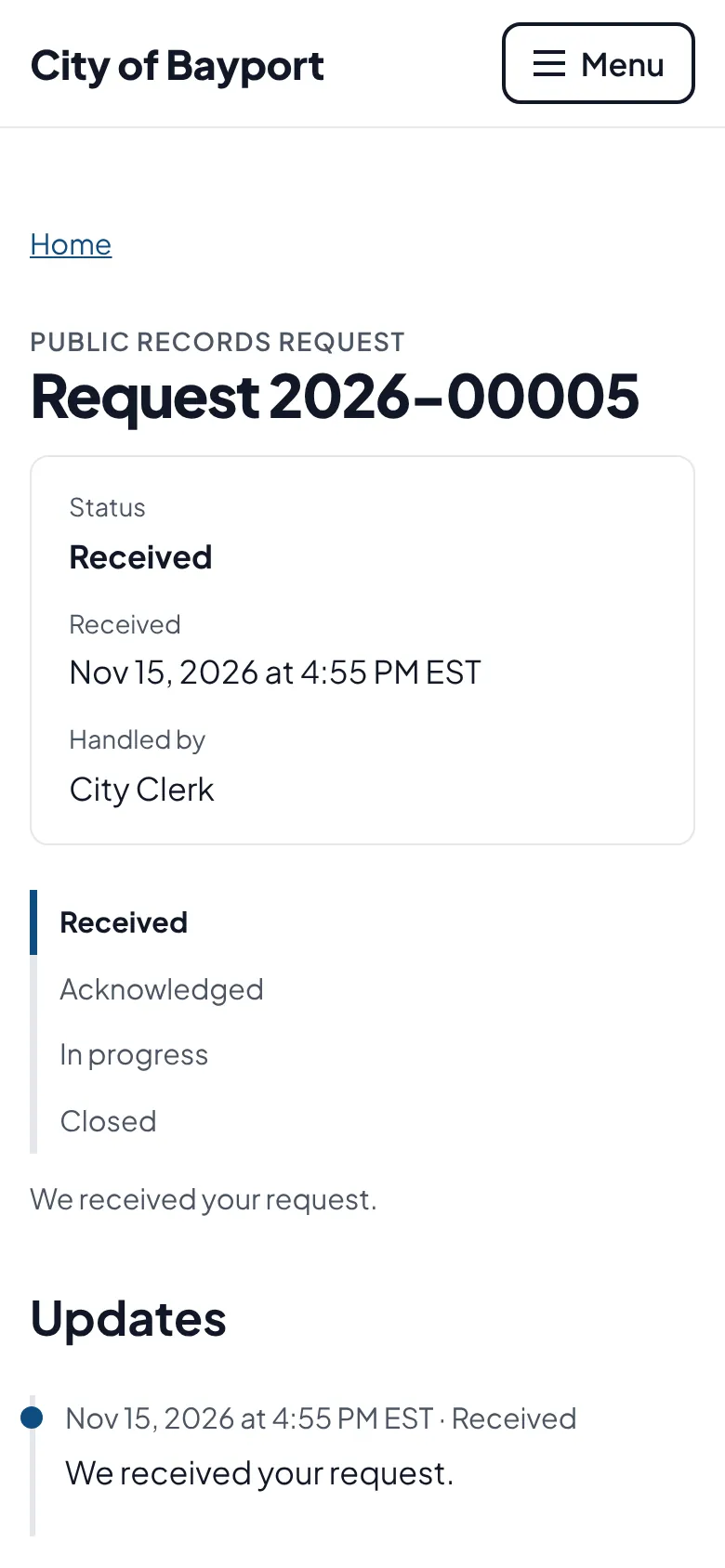
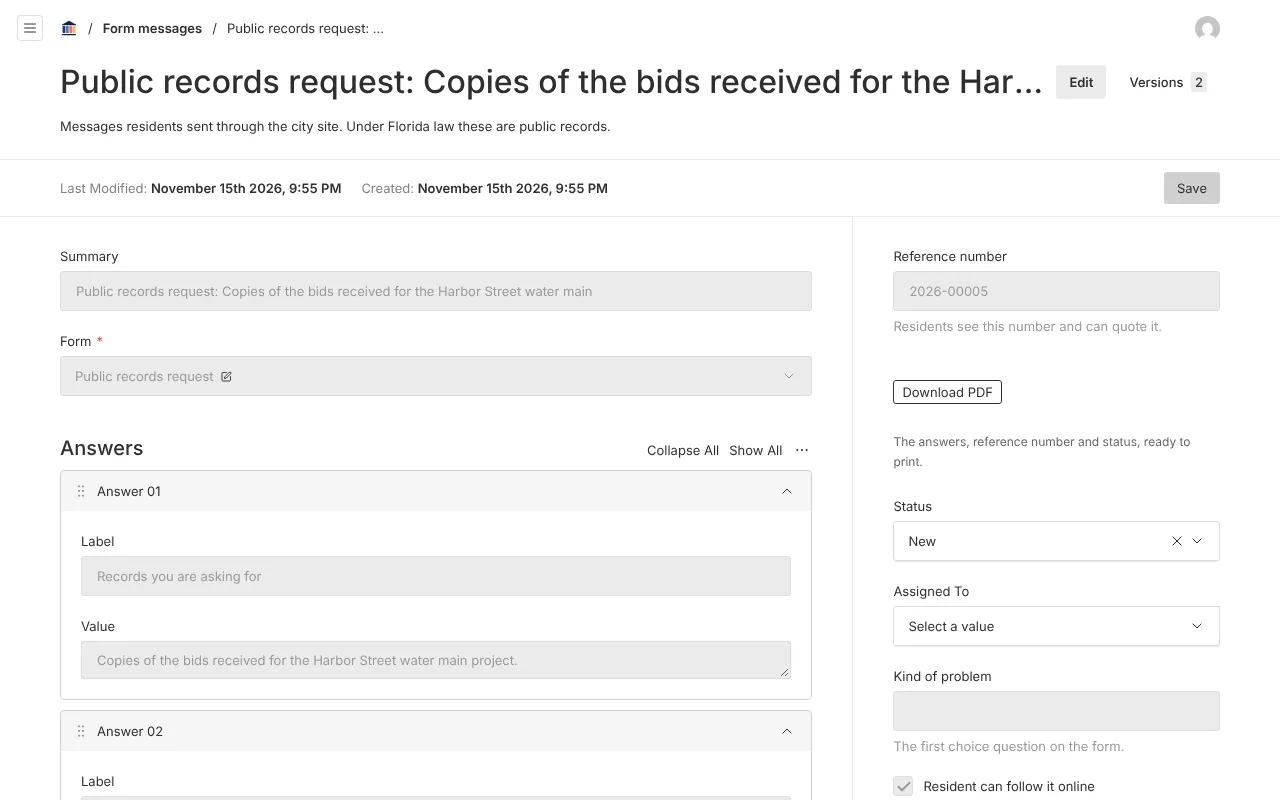
Screenshots from Bayport, our made-up demo city. Select any screenshot to see it full size.
Key features
- Private status page
- Each request gets a page only the requester’s link can open.
- Lost link lookup
- Residents can get their link emailed again.
- Estimates and exemptions
- Recorded on the request, with the statute cited for each exemption.
- Secure release
- Released files are visible only through that request’s link.
Works well with

Ready before April 2027?
We move your content, set up your departments, and train your staff, so your new site is ready well ahead of the deadline.