
Website builder and templates
Pick one of twenty-two templates, add your logo and brand color, and build pages from ready-made sections. Staff never touch code, and every page works on a phone.
How it works
Three steps, no web team needed
Pick a look
Choose one of the templates and add your logo and brand color. The color is checked for contrast before it saves.
Build pages from sections
Stack banners, quick links, cards, FAQs, news, events and module sections. No code and no layout to break.
Publish
The page goes live on phones, tablets and computers at once, with link previews for social media.
For residents
- A fast site that reads well on any phone, tablet or computer
- Clear menus and quick links to the services people look for most
- The same layout on every page, so nothing is hard to find
For city staff
- Build pages from sections: banner, text, quick links, cards, FAQs, files, news, events and more
- Change the template or color later without rebuilding pages
- Edit the menu yourself, no ticket needed
See it in the demo city
What residents see, and what staff use
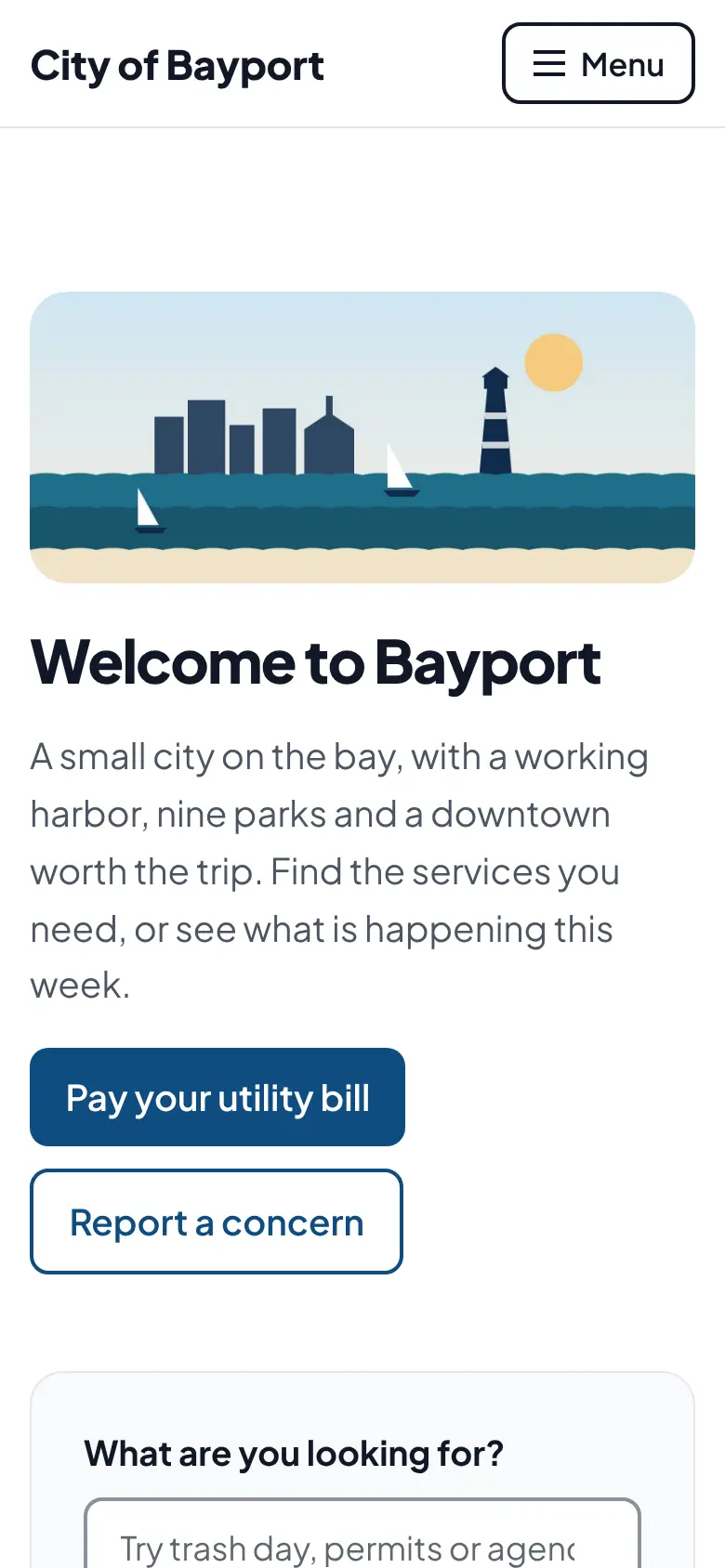
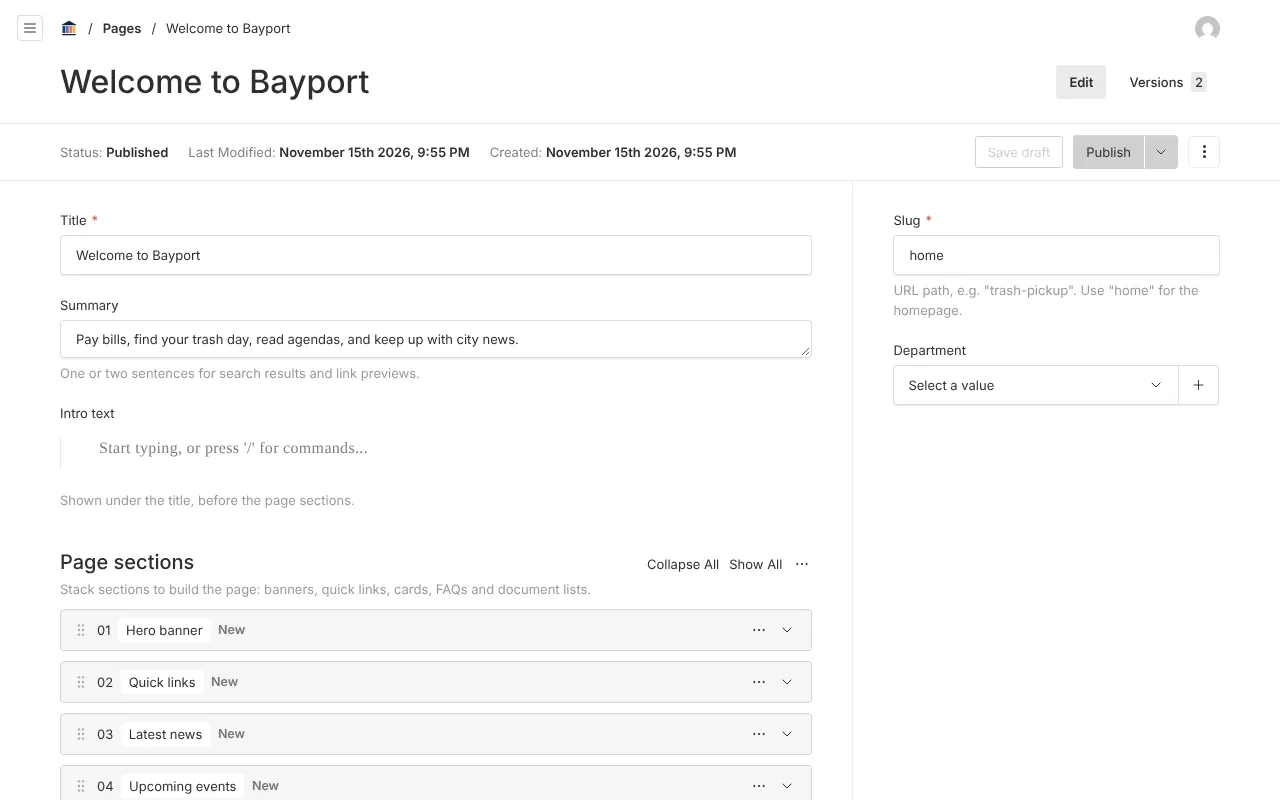
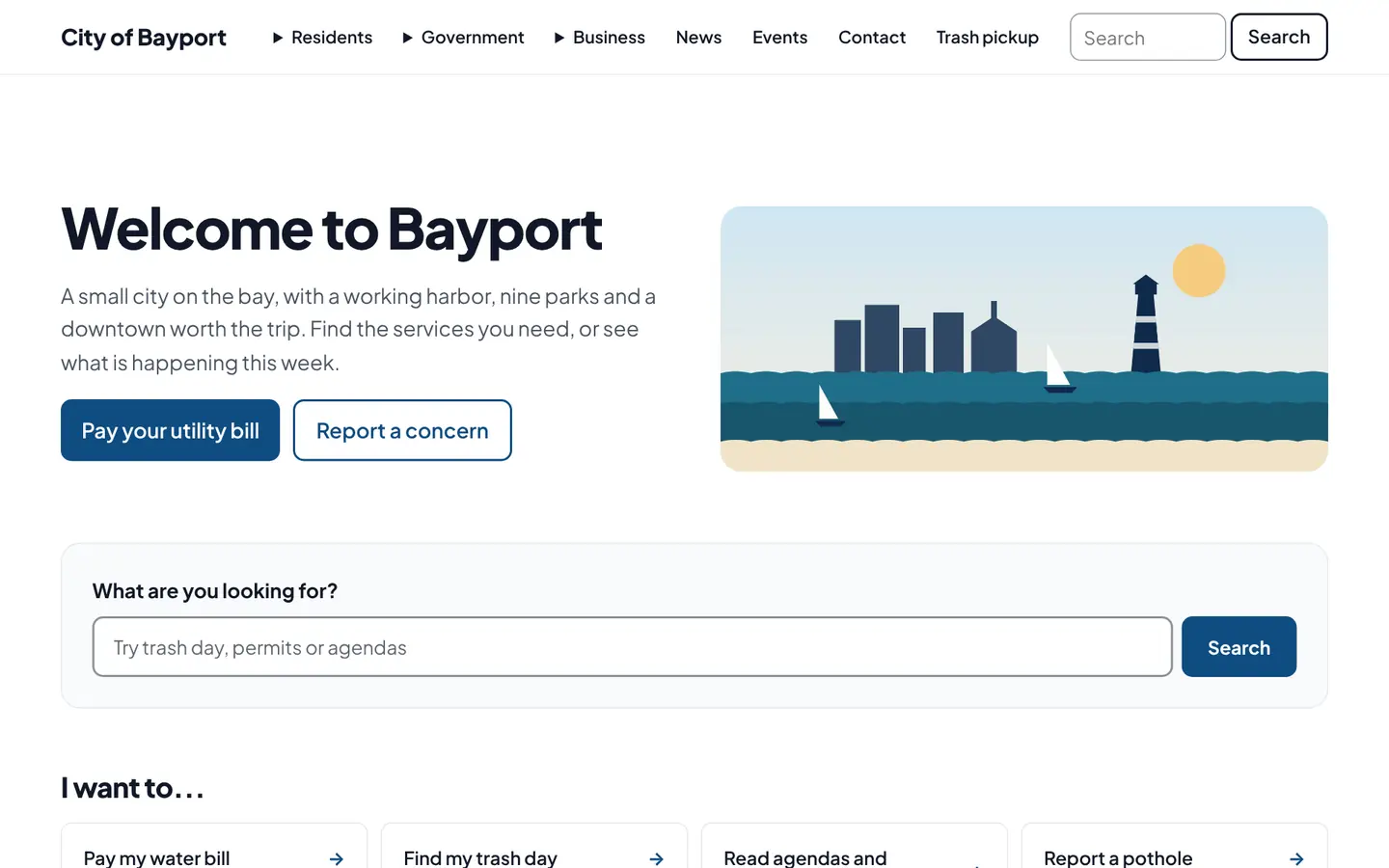
Screenshots from Bayport, our made-up demo city. Select any screenshot to see it full size.
Key features
- Twenty-one templates
- Twelve classic looks, from Coastal to Historic Main Street, plus nine with their own layouts, from clean, search-first designs built for browsing to a newspaper front page, a sidebar menu and bold color bands.
- Brand colors checked for contrast
- Your brand color is tested against WCAG 2.1 AA before it can be saved, so text stays readable.
- Page sections
- Banner, text, quick links, cards, FAQ, file list, latest news, upcoming events, document list, forms and every module block.
- Built for phones first
- Tested at phone and tablet sizes, with a menu that opens without loading extra scripts.
- Your own address
- Every city gets yourcity.civicpier.app on day one and can point its own domain at it.
- Link previews
- Sharing a page on Facebook, X, LinkedIn or a text message shows a card with your city color, logo and the page photo.
Works well with
Accessibility checks
WCAG 2.1 AA problems are caught before a page goes live, not after a complaint.
Departments, roles and approvals
Parks edits parks. Contributors draft, editors publish. Every version is kept.
News, events and alerts
Post a road closure or a holiday schedule change in a minute, from any device.

Ready before April 2027?
We move your content, set up your departments, and train your staff, so your new site is ready well ahead of the deadline.