
Meeting transcripts
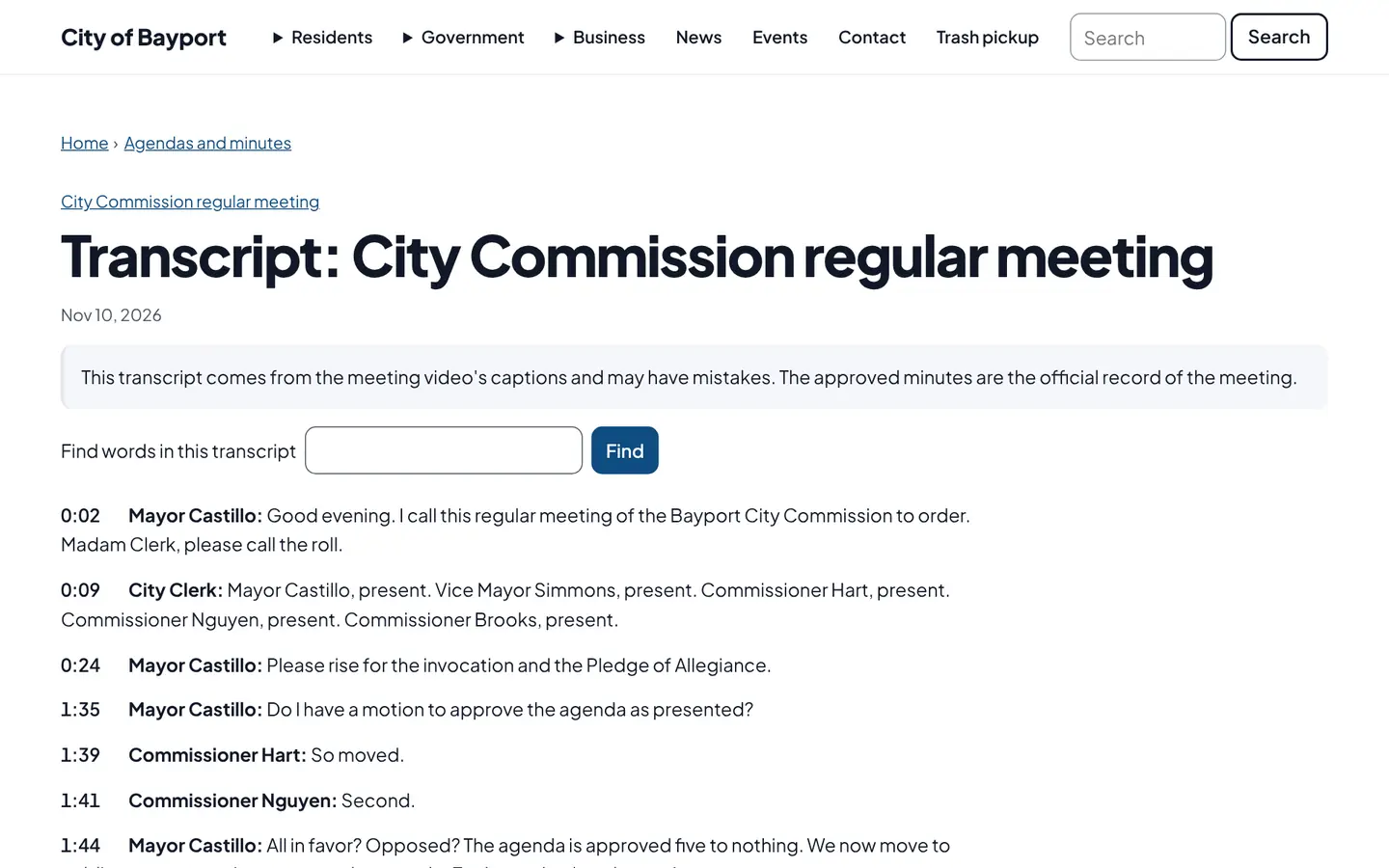
Add a meeting’s captions and Civic Pier publishes a readable transcript page. Site search finds the moment something was said and links to that point in the video.
How it works
Three steps, no web team needed
Upload the captions
Use the caption file your video provider already makes.
The transcript is cleaned up
A readable, timestamped page is published with the meeting.
Search finds the moment
Residents search a street or topic and jump to that point in the video.
For residents
- Read the meeting instead of watching three hours of video
- Search for a street name or topic and jump to that moment
For city staff
- Upload the caption file you already get from your video provider
- Transcripts are cleaned up automatically
See it in the demo city
What residents see, and what staff use
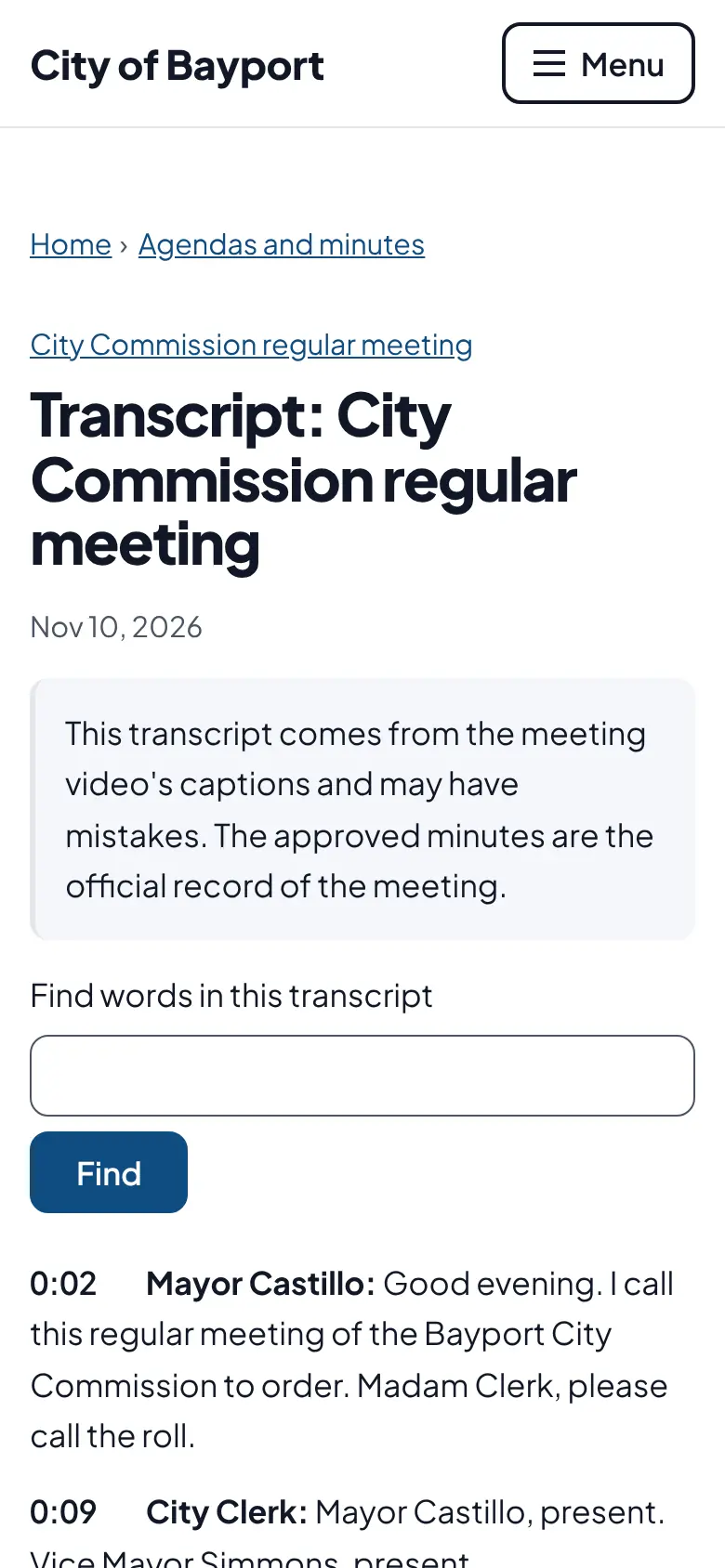
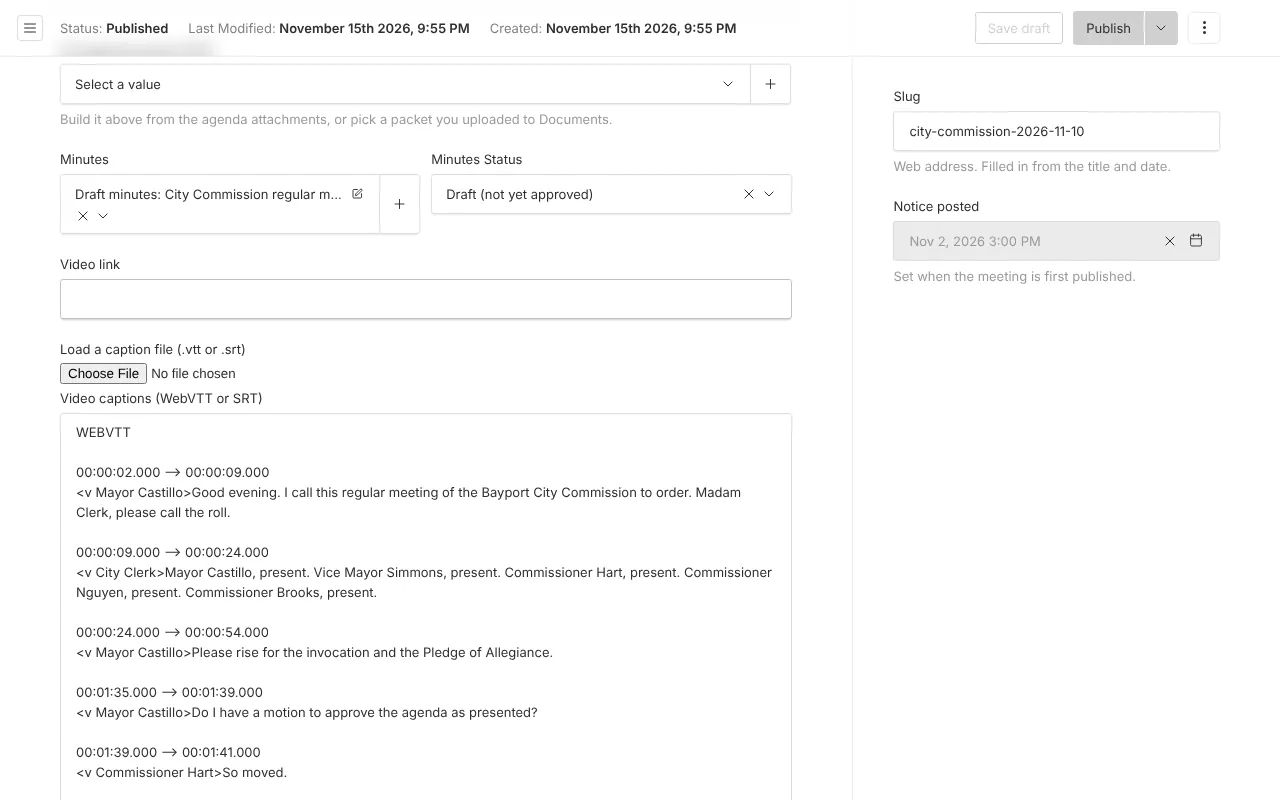
Screenshots from Bayport, our made-up demo city. Select any screenshot to see it full size.
Key features
- Transcript page
- A clean, readable page for every meeting with captions.
- Timestamped moments
- Each passage links to that point in the recording.
- In site search
- Spoken words show up in search results next to pages and documents.

Ready before April 2027?
We move your content, set up your departments, and train your staff, so your new site is ready well ahead of the deadline.