
Parks and facility rentals
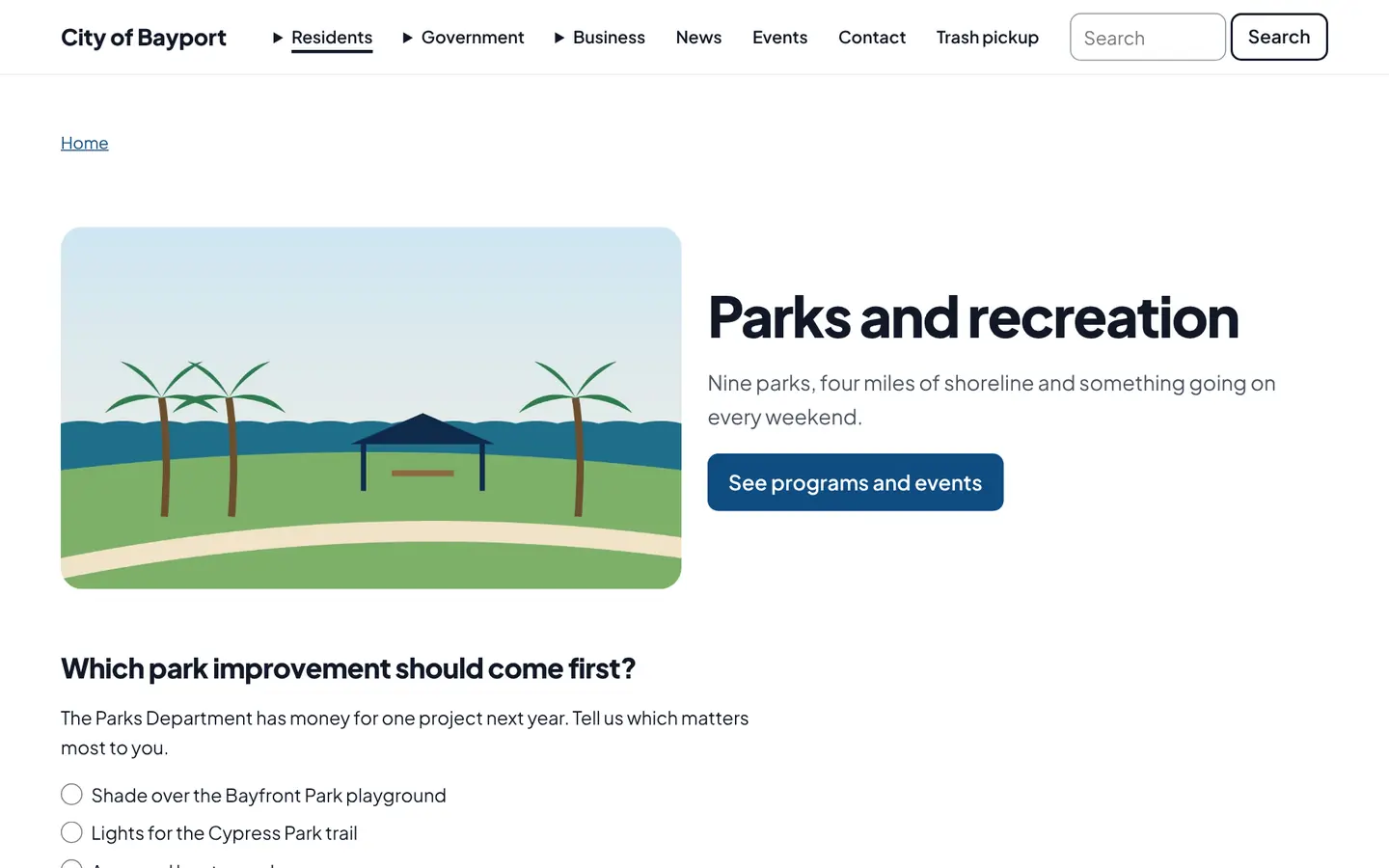
Every park gets a page with amenities, photos and a map. Rentable pavilions and rooms show booked times, so residents can pick an open date and ask to reserve.
How it works
Three steps, no web team needed
Add each park
Amenities, hours, a photo, the address and any rentable spaces.
Residents find a park
Filter by playground, boat ramp, dog park and more, or browse the map.
Rentals stay simple
Booked dates show publicly without renter names. Requests come in through a form.
For residents
- Find a park with a playground, boat ramp or dog park
- See which dates a pavilion is already booked
- Ask to reserve online
For city staff
- Add parks, amenities and rentable spaces
- Record bookings; renter details stay with staff
See it in the demo city
What residents see, and what staff use
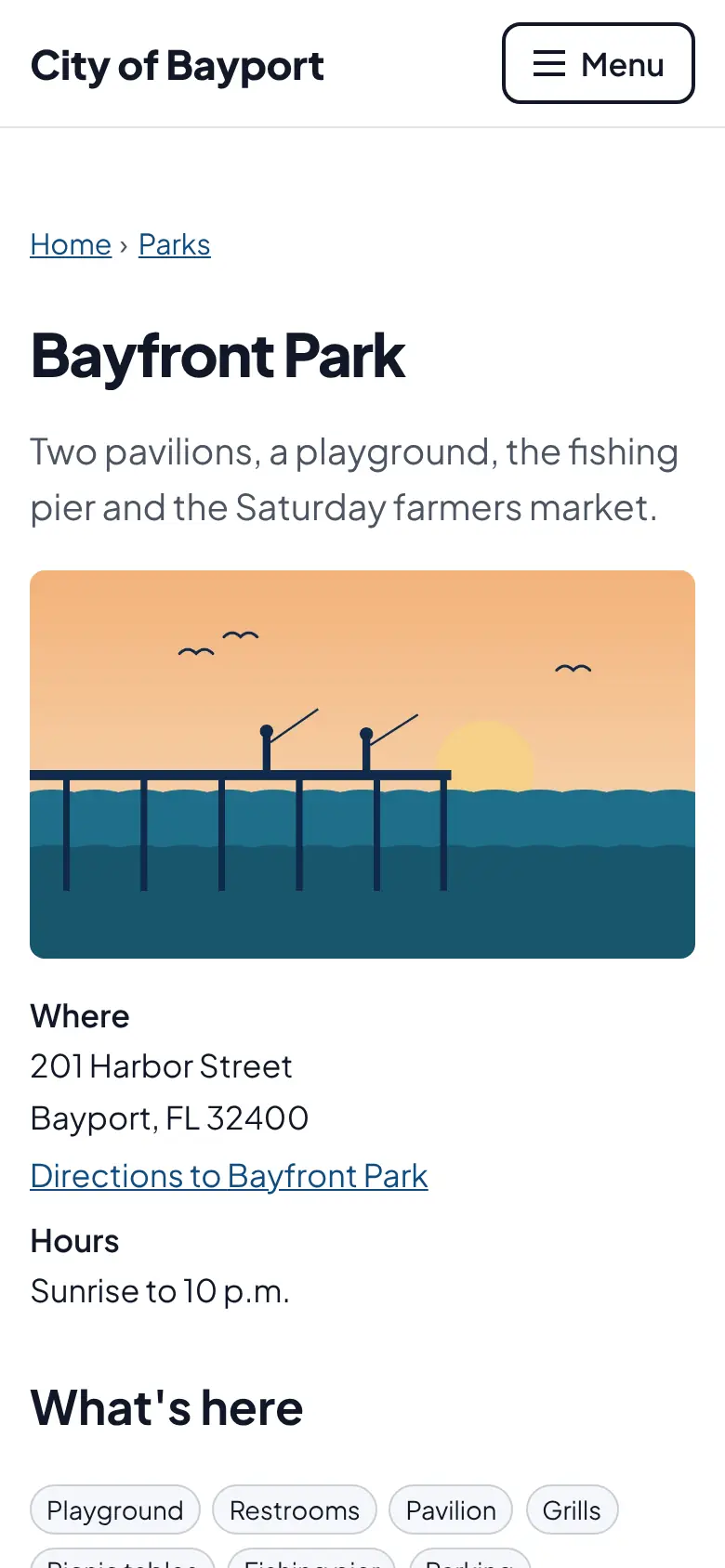
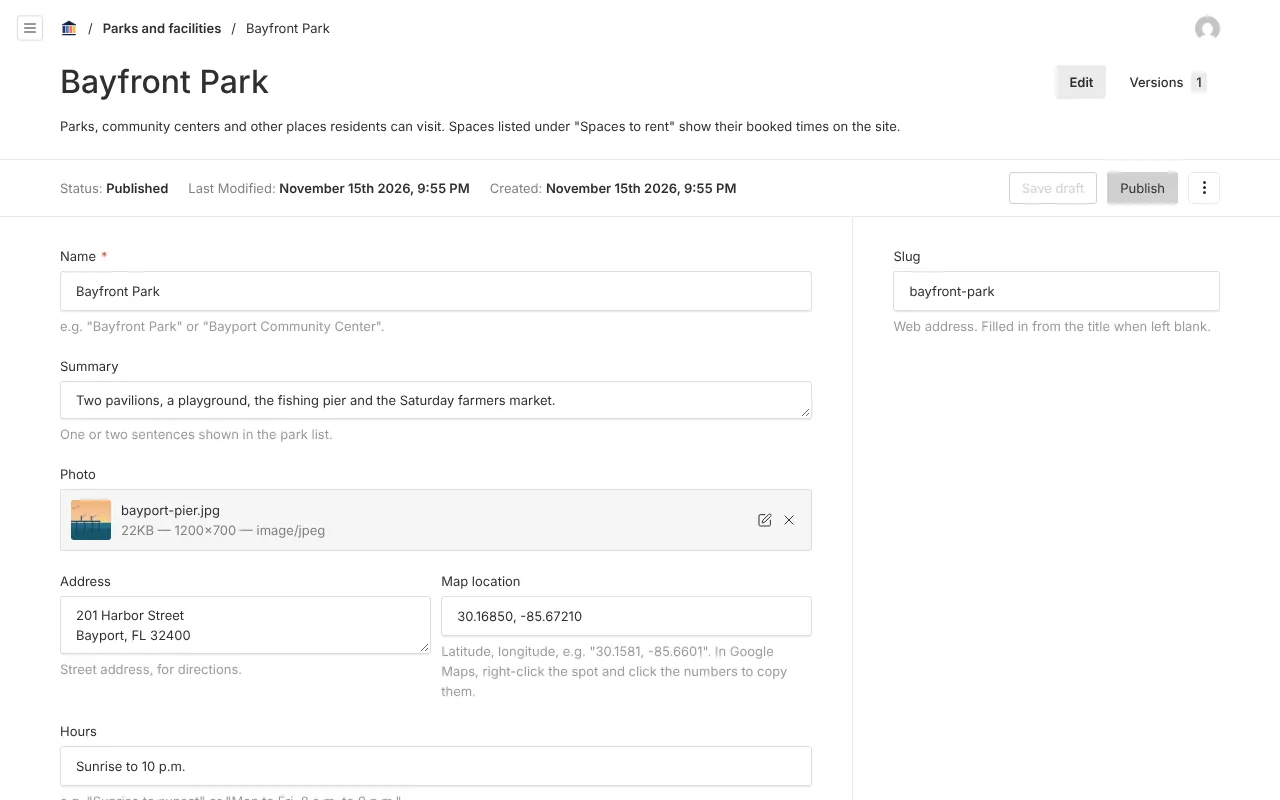
Screenshots from Bayport, our made-up demo city. Select any screenshot to see it full size.
Key features
- Park finder
- Filter by amenity, with a map of every park.
- Park pages
- Amenities, hours, photo, address and the rentable spaces with capacity and fees.
- Booked times
- Public calendar of taken dates, without renter names.

Ready before April 2027?
We move your content, set up your departments, and train your staff, so your new site is ready well ahead of the deadline.