
Bids and RFPs
Post bids and RFPs with their documents and deadlines. Addenda are numbered and dated automatically, vendors get an email for each one, and awards are posted when decided.
How it works
Three steps, no web team needed
Post the solicitation
Scope, documents, deadlines, pre-bid meeting and contact.
Add addenda
Each one is numbered and dated, and vendors get an email.
Post the award
Fill in the vendor and the bid shows as awarded.
For residents
- Vendors see every open bid with its documents and deadline
- An email for each new bid and every addendum
- Award results posted publicly
For city staff
- Add addenda; the posted date is set for you
- Open, closed and awarded, all on one list
See it in the demo city
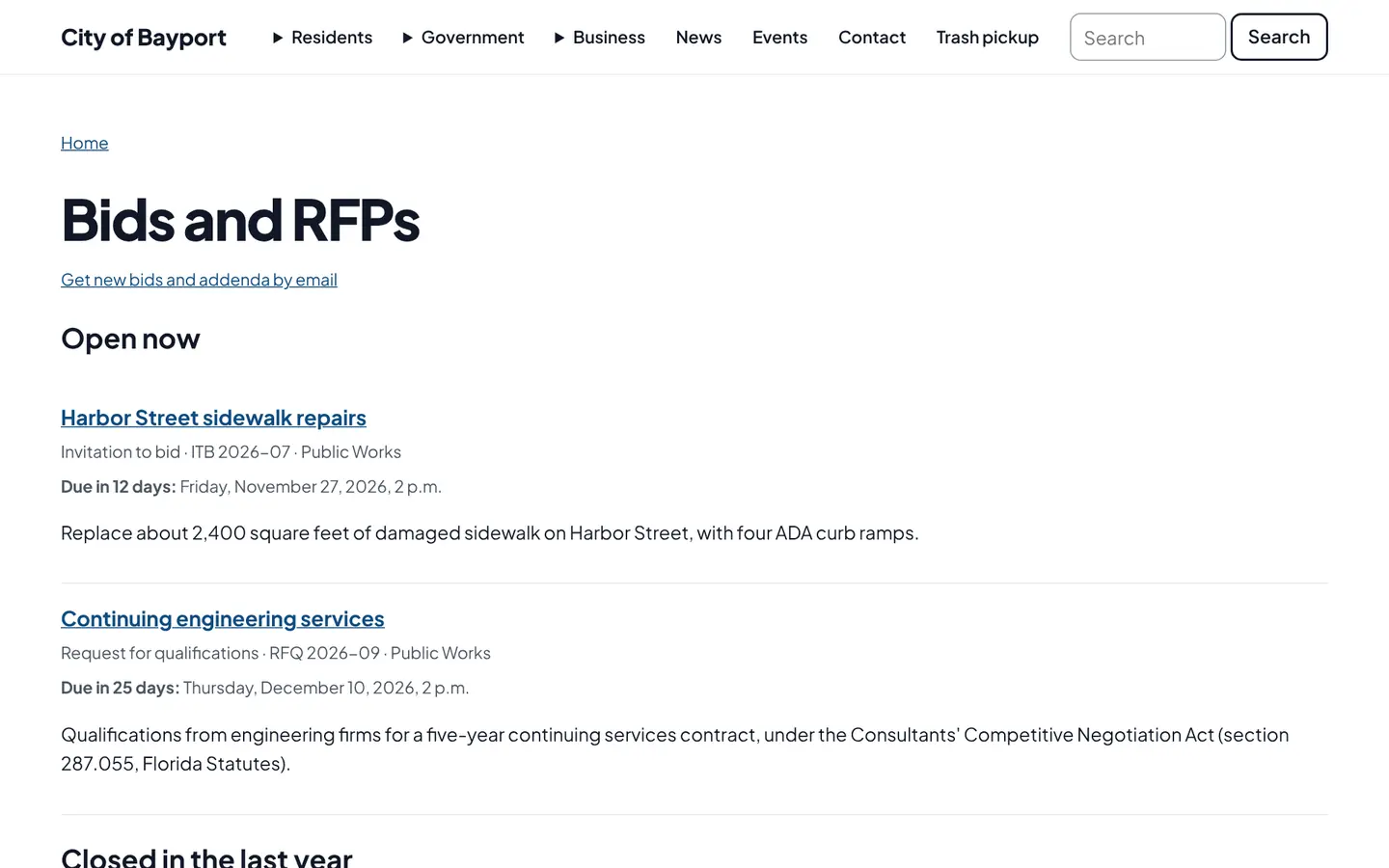
What residents see, and what staff use
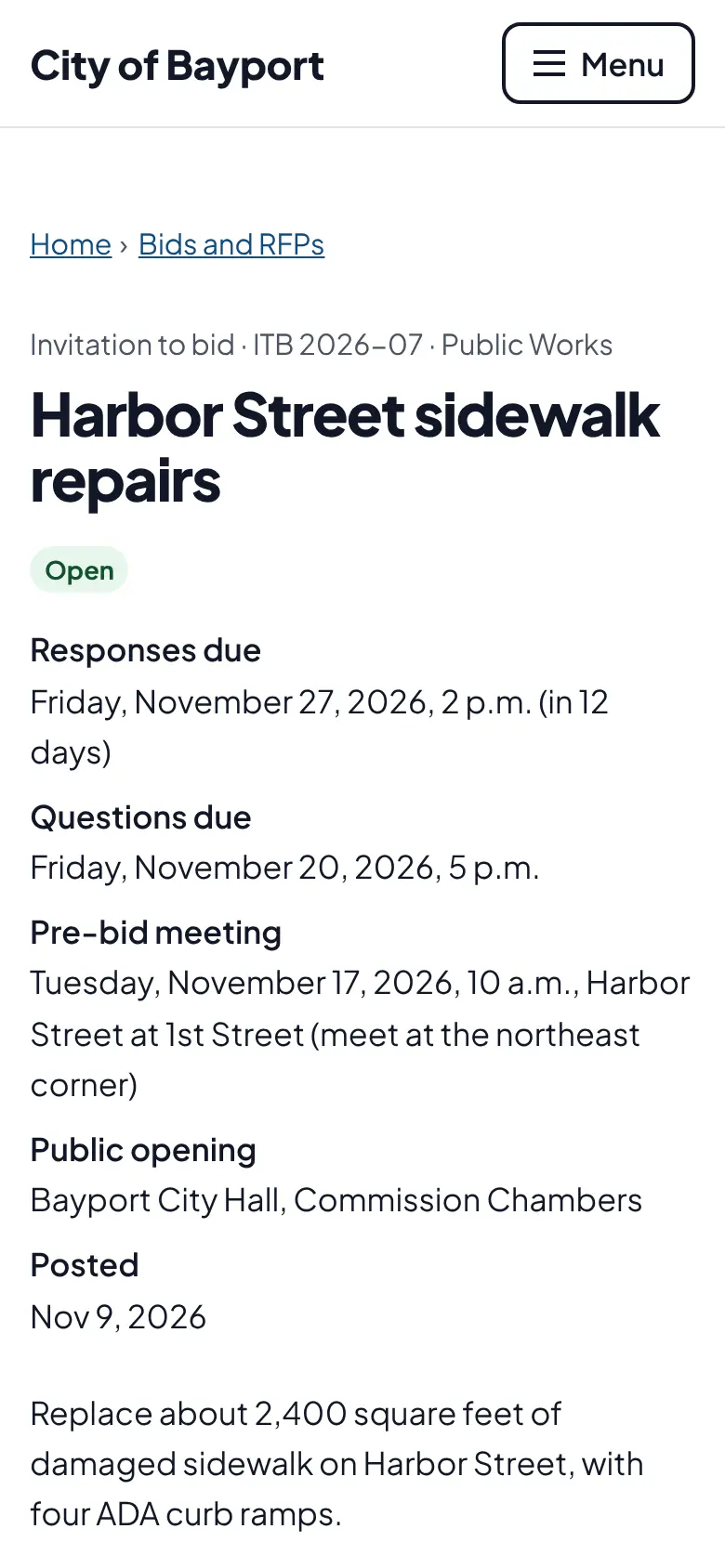
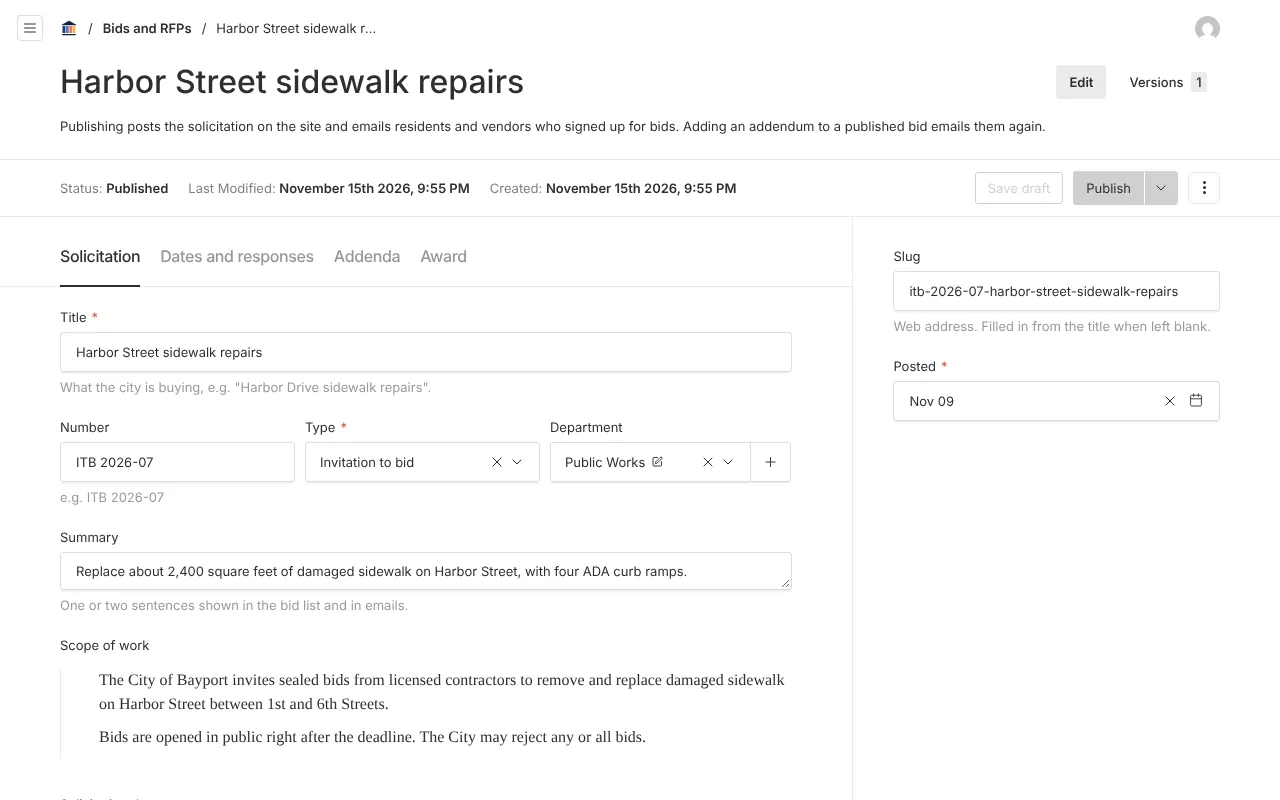
Screenshots from Bayport, our made-up demo city. Select any screenshot to see it full size.
Key features
- Solicitation pages
- Scope, documents, contacts, pre-bid meetings, questions and response deadlines, and a link to your bidding portal if you use one.
- Numbered addenda
- Dated by the system, so the record is clear.
- Vendor emails
- On first publish and on each addendum.
- Sealed bid notice
- The Florida sealed-bid exemption is explained on each page.

Ready before April 2027?
We move your content, set up your departments, and train your staff, so your new site is ready well ahead of the deadline.