
Mobile app Coming soon
Your city, on every resident’s phone.
One app for every Civic Pier city. Residents pick their city once and get push alerts, trash days, meetings and a quick way to report a problem, all in your city’s colors.
- Push alerts your staff control
- No app store accounts for your city
- Fed by the website you already run


One app, every city
Pick a city and the app becomes theirs.
The app takes on each city’s color, logo and services from its Civic Pier website. Bayport sees hurricane prep; Pine Ridge sees parks. Same app, same download.


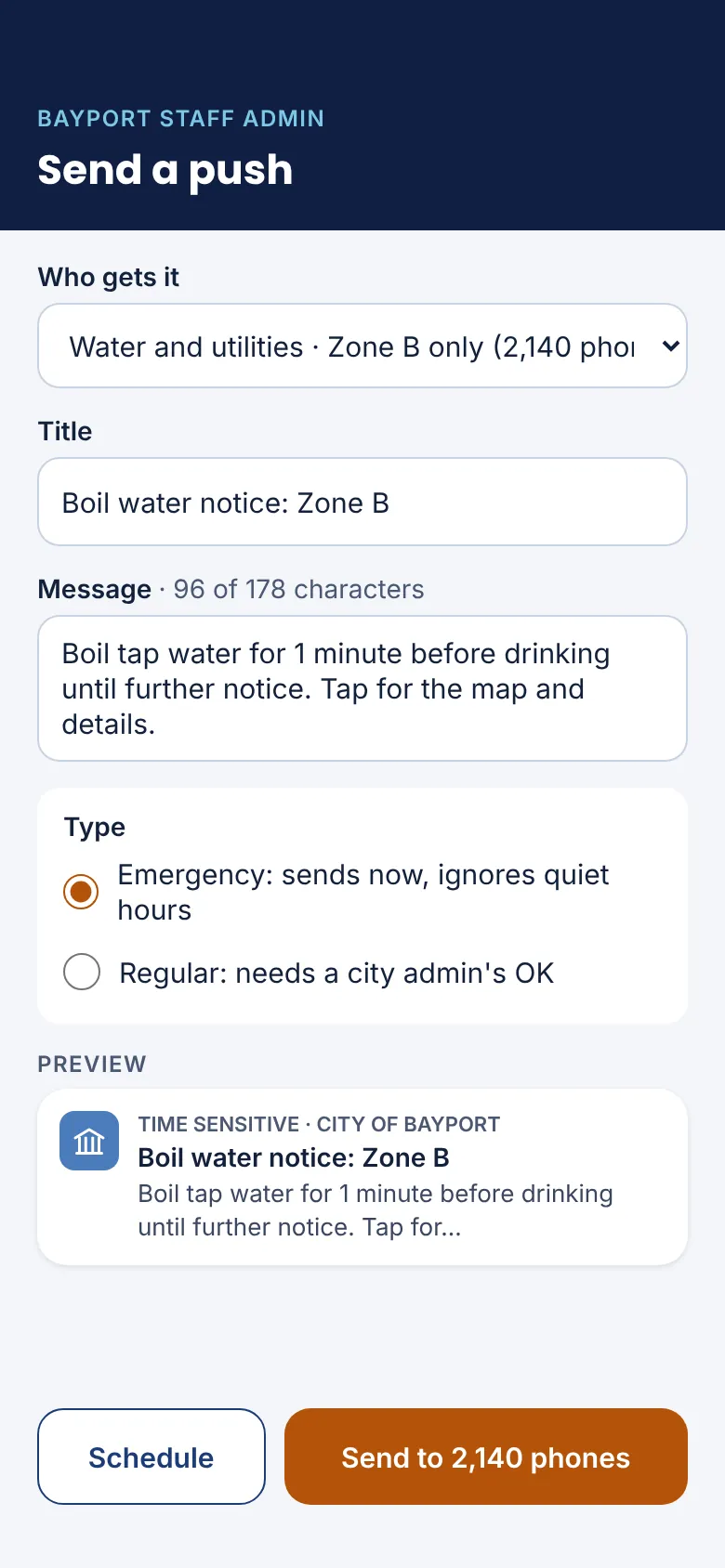
Push notifications
Reach residents in seconds, not on the next newsletter.
Sent from the same admin
Posting an alert, water notice, hurricane update or meeting change can send a push too. Emergencies go out right away; everything else can wait for an admin’s OK.
Only the people who need it
Residents pick topics and can save an address, so a boil water notice for one zone reaches that zone, not the whole city.
Guardrails built in
Quiet hours, a daily limit and a send log that is kept as a public record.
Same list as email updates
Push topics match the email sign-ups residents already use, so staff manage one list.


For residents
The services residents use most, a tap away.
Report a pothole with a photo and get a push when it’s fixed. Check trash day, read an agenda, send a public comment, or pull up the storm checklist when cell service is down.
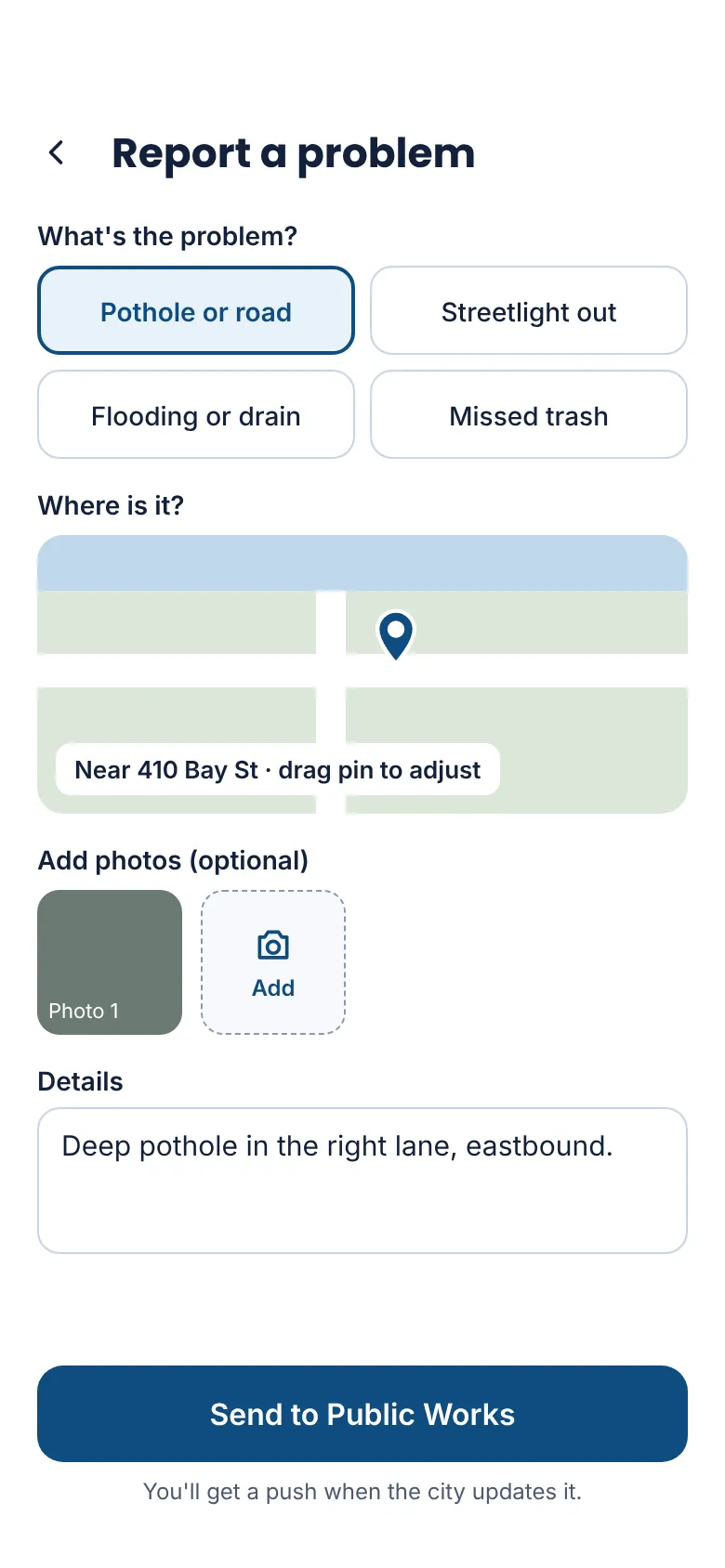
Report a problem 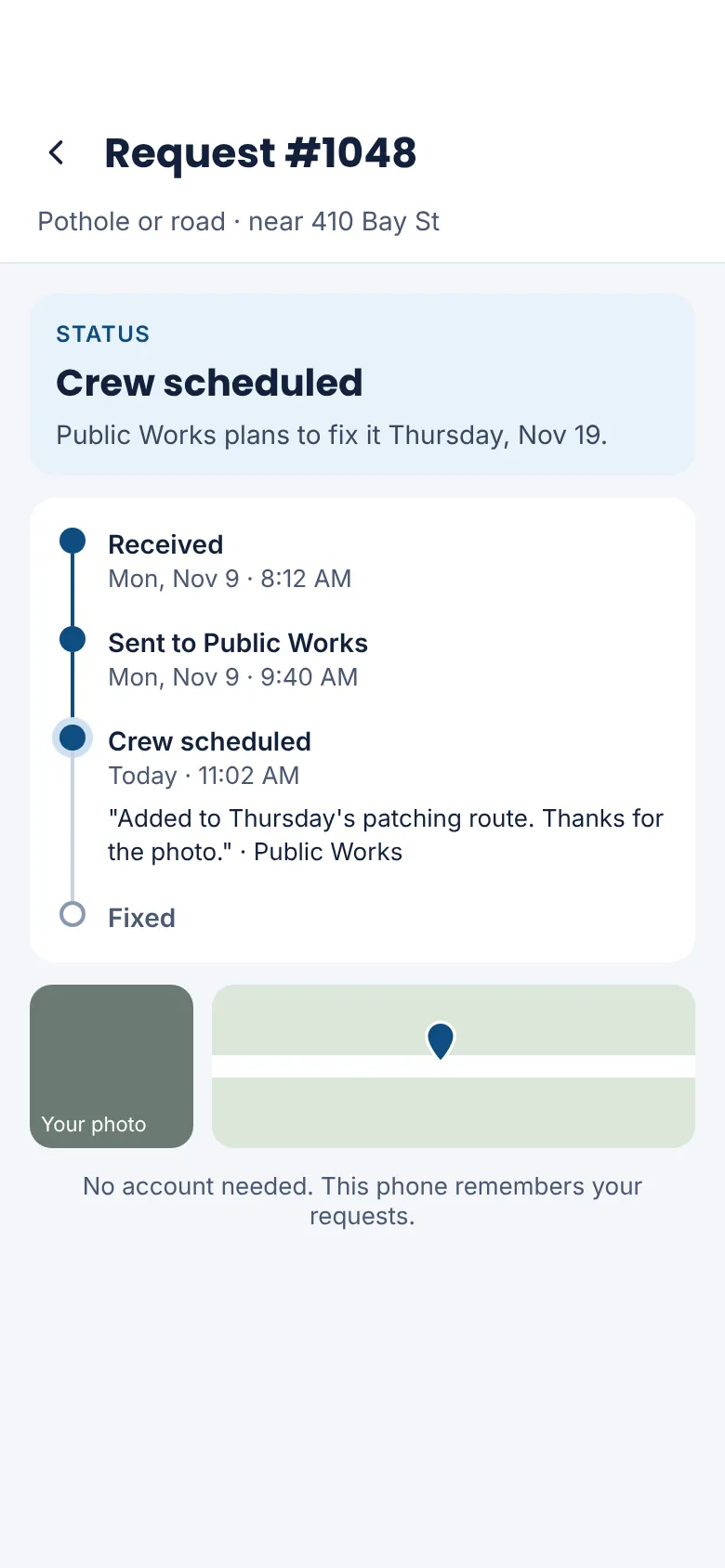
Track a request 
Meetings 
Agendas and public comment 
Trash and recycling 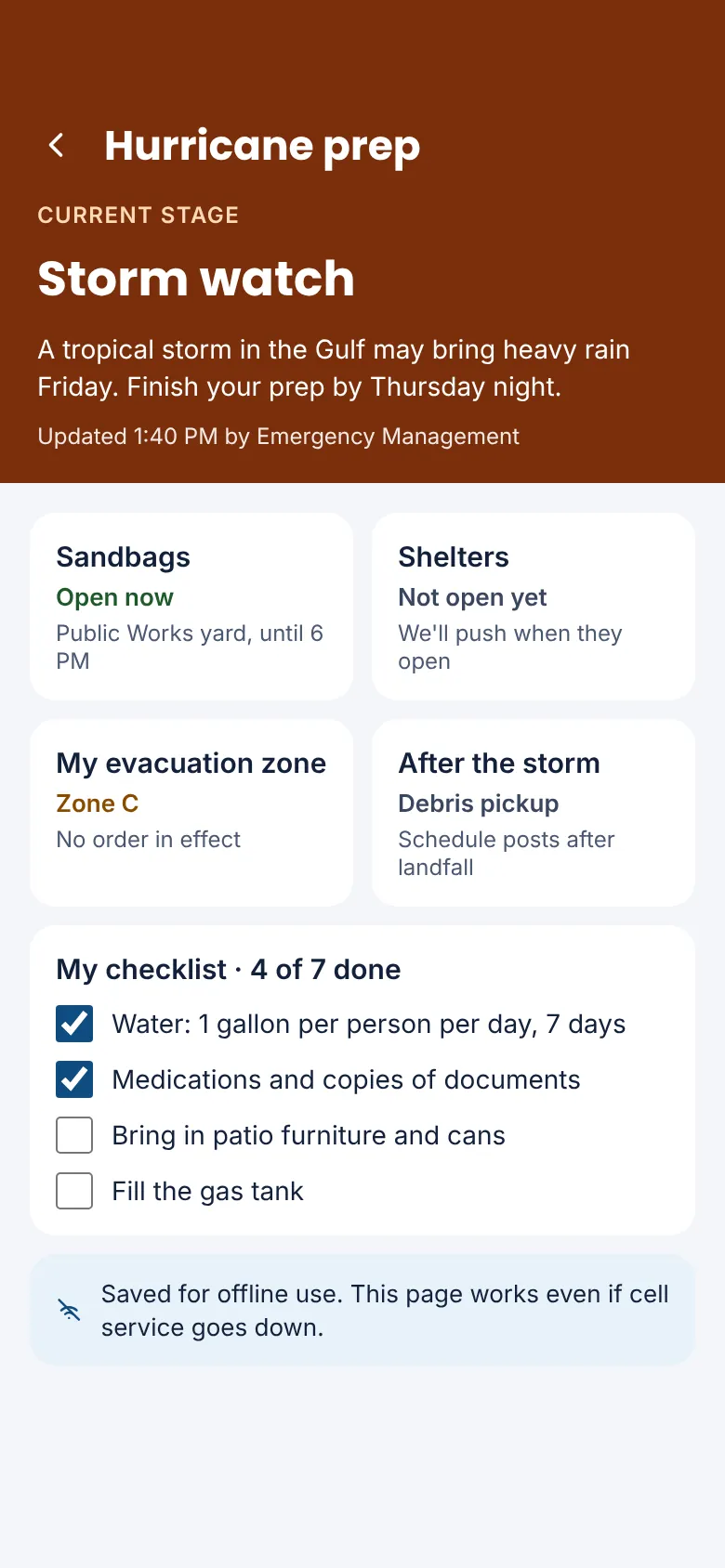
Hurricane prep, even offline 
Road work 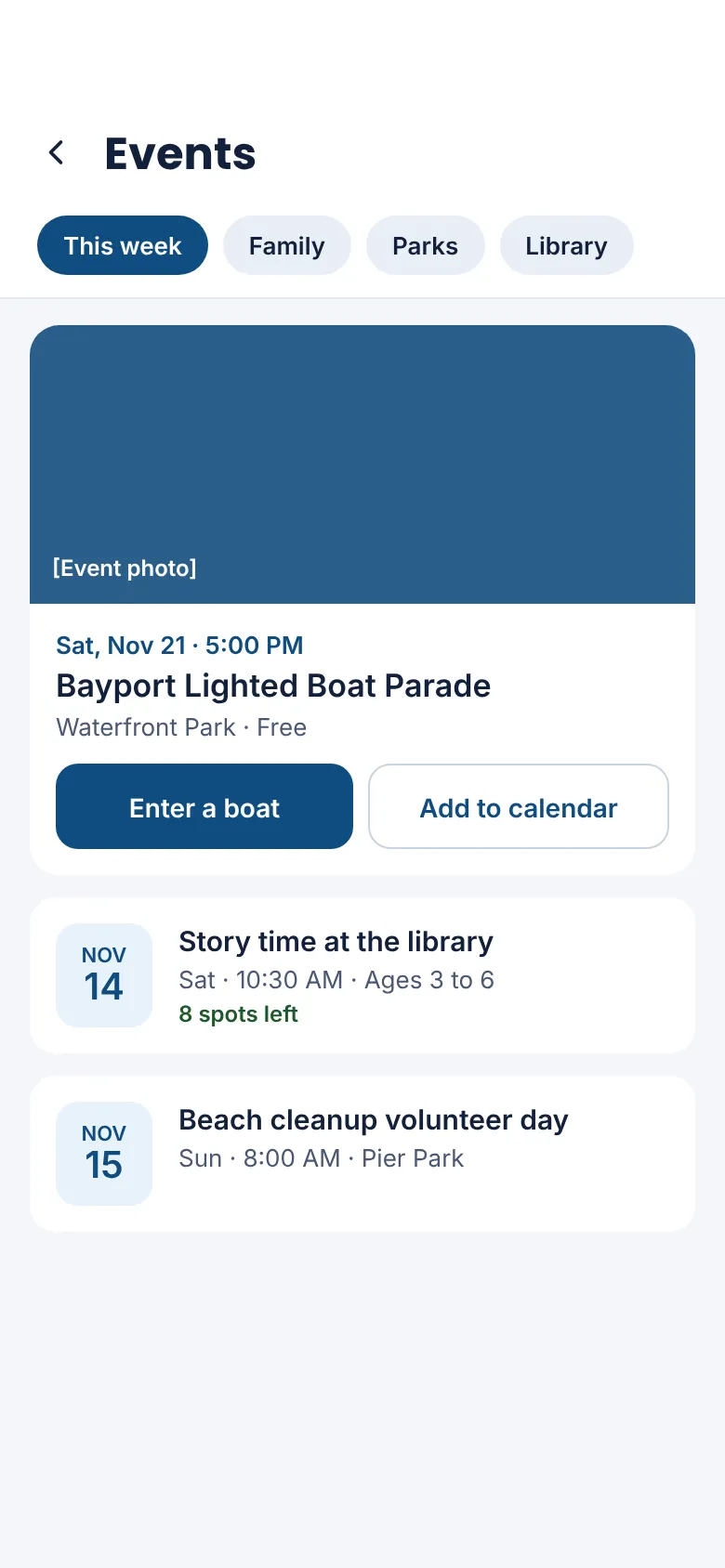
Events and sign-ups 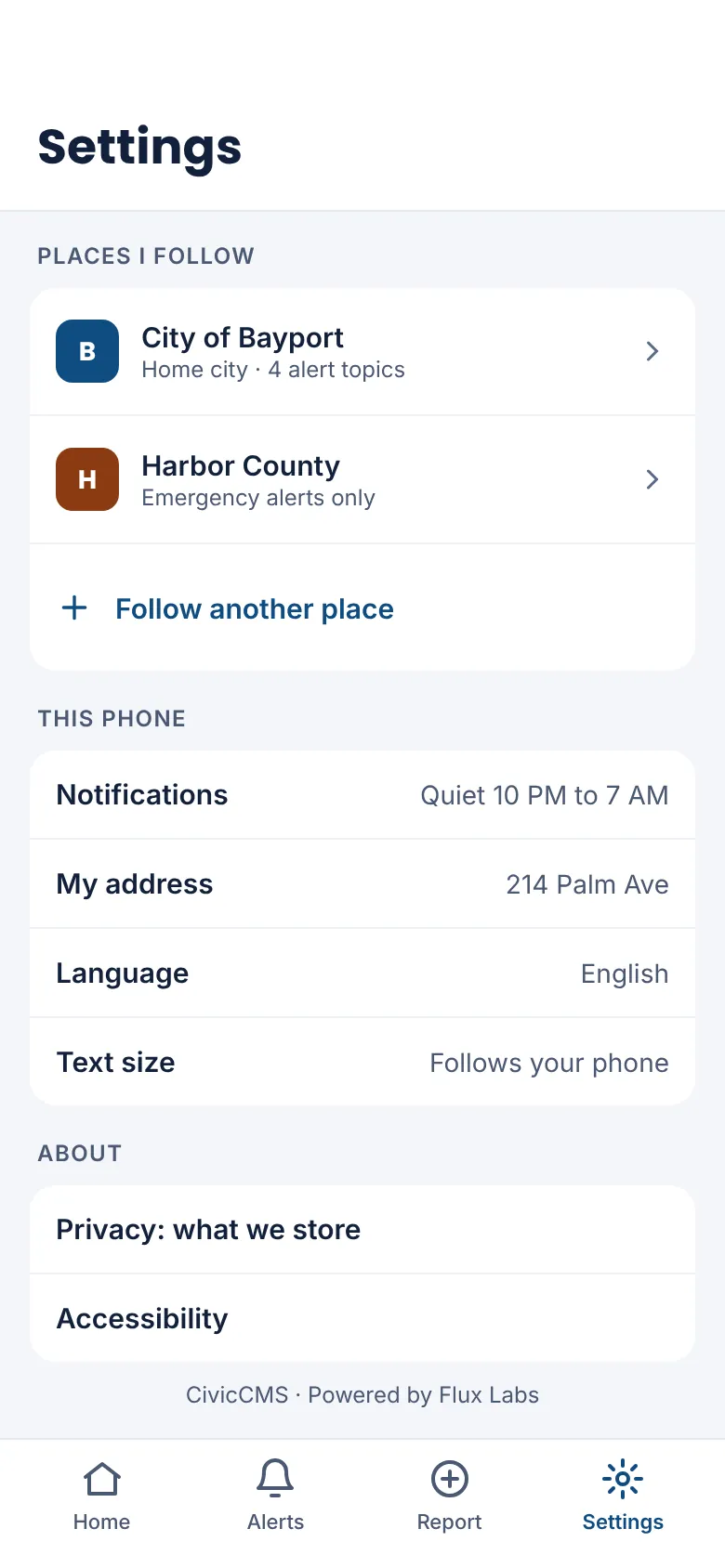
Follow your city and county
For your city
Nothing extra for your staff to run.
No app store accounts to set up
Your city appears in our app the day your website goes live. No developer accounts, fees or review process for your staff.
Your colors, logo and services
The app takes on your website’s look and shows only the services your city has turned on.
Nothing new to update
Staff keep working in Civic Pier. News, meetings, alerts and trash schedules flow to the app on their own.
Questions cities ask
- Is there a separate app for each city?
- No. Residents download one app and pick their city. Larger cities that want their own name in the App Store can ask about a branded version built from the same app.
- Do residents need an account?
- No. They pick a city and the alerts they want. Requests they report are remembered on their phone.
- Does it replace Wireless Emergency Alerts?
- No. It adds a direct line for local notices like boil water orders, road closures and trash changes, alongside your county’s emergency alerting.
- When is it available?
- The app is in development. Book a demo to see the designs and to ask about becoming a pilot city.

Ready before April 2027?
We move your content, set up your departments, and train your staff, so your new site is ready well ahead of the deadline.