
Departments, roles and approvals
Give each department its own area and each person the right role. Drafts go to an editor before they go live, and every saved version is kept for the record.
How it works
Three steps, no web team needed
Set up departments
Add each department with its contact details and the pages and forms it owns.
Invite staff
Send an email invite and pick a role: city admin, department admin, editor, contributor or viewer.
Work in your lane
Contributors draft, editors publish, and every saved version is kept for the record.
For residents
- Accurate pages, because the people who run each service keep them up to date
- A staff directory with the right contact for each department
For city staff
- Contributors draft; editors and city admins publish
- Department-scoped access, so staff only see what they manage
- Two-step sign-in for every staff account
See it in the demo city
What residents see, and what staff use
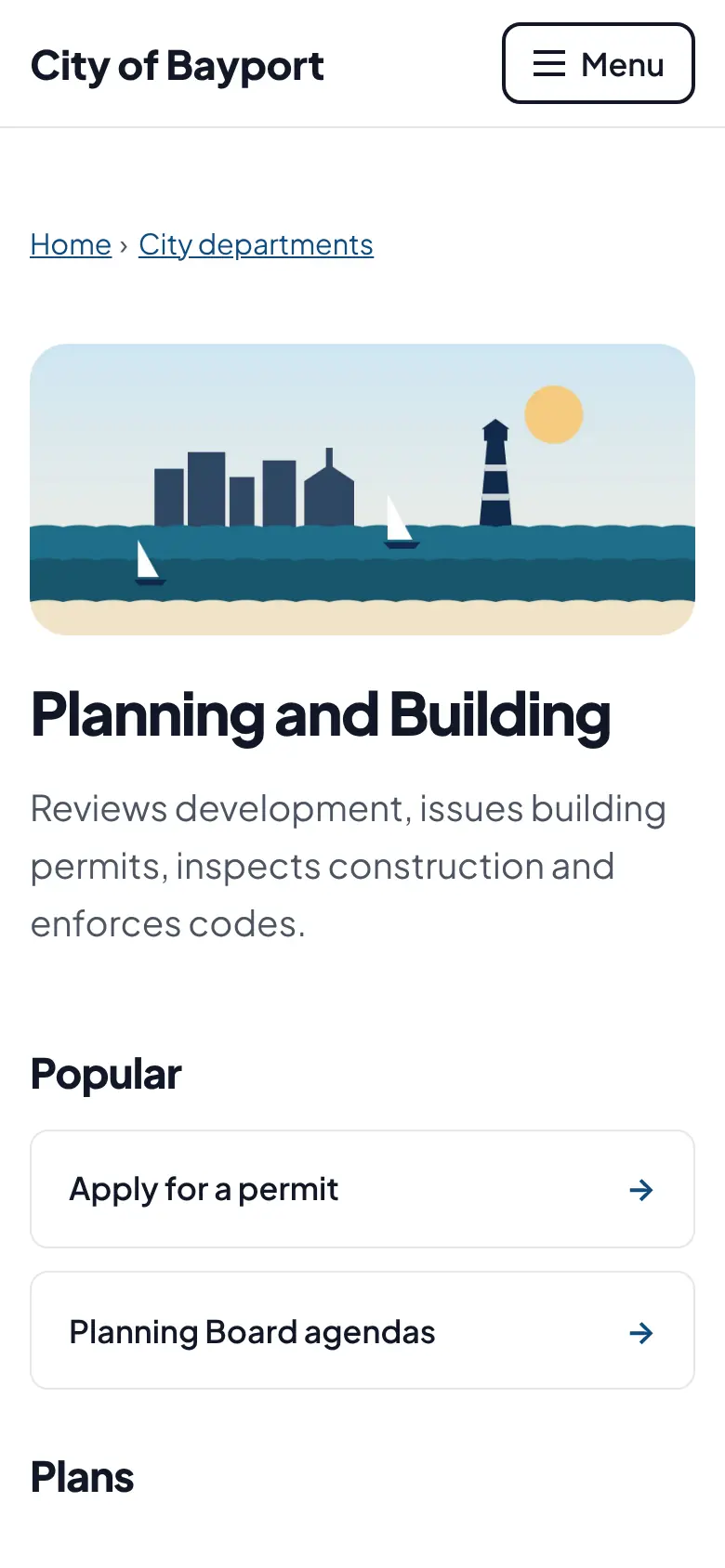
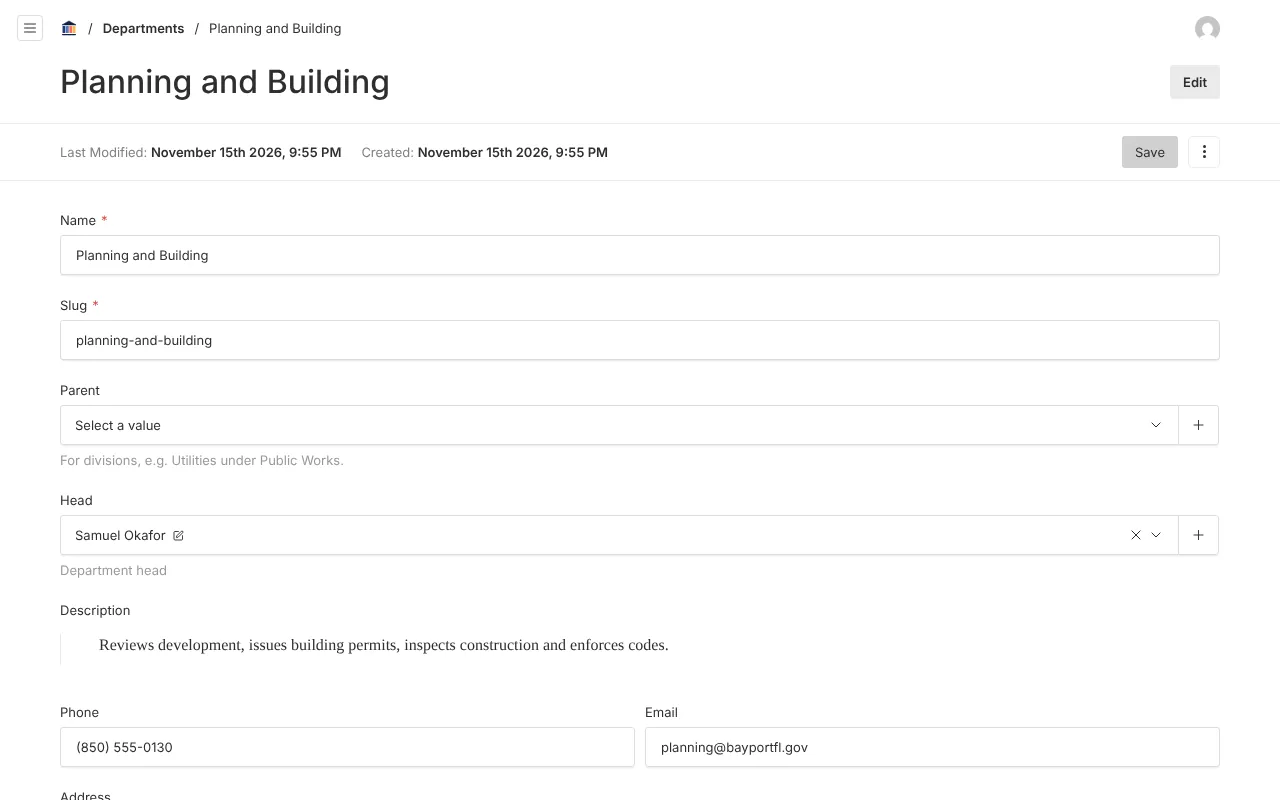
Screenshots from Bayport, our made-up demo city. Select any screenshot to see it full size.
Key features
- Roles
- City admin, department admin, editor, contributor, viewer and board member.
- Departments
- Pages, forms and inboxes grouped by department, with a public staff directory.
- Version history
- Every saved version is kept and can be restored, which matters for public records.
- Activity log
- Who changed what and when, for audits and records requests.
- Scheduled publishing
- Set a page or story to go live at a set time.

Ready before April 2027?
We move your content, set up your departments, and train your staff, so your new site is ready well ahead of the deadline.